White Background Product Photos: DIY vs AI for Shops
White background product photos are still essential for online shops and marketplace main images. Here's how to create them without wasting hours per SKU.
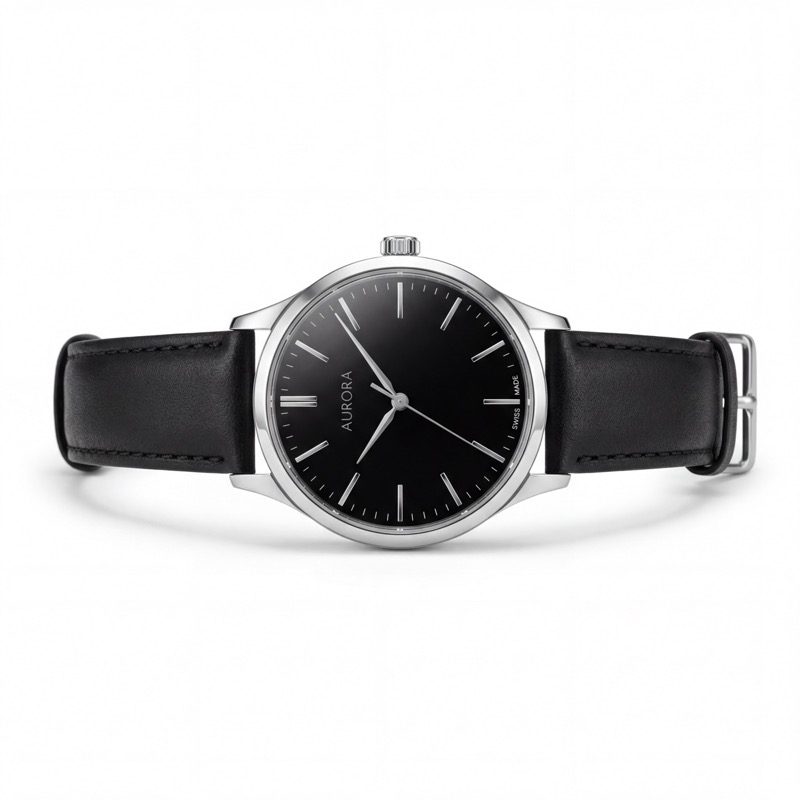
Why White Background Product Photos Still Matter
Open almost any serious ecommerce store and you will see the same pattern: the buyer needs at least one clean product-first image where the item is easy to inspect.
Amazon and Walmart-style marketplaces enforce strict white-background rules for main images. Shopify and Etsy do not require every product photo to be white, but clean product-first images still help with collection thumbnails, product page galleries, comparison shopping, and ads.
White background product photos exist for practical reasons:
- Consistency across search results and category pages
- Focus on the product without environmental distractions
- Trust — clean images signal professional sellers
- Review readiness for channels that require pure white main images
The question isn't whether you need white background photos. The question is how to create them efficiently without compromising quality.
For channel-specific details, see White Background Product Photos, the Amazon Seller Guide, and the Upload Guide.
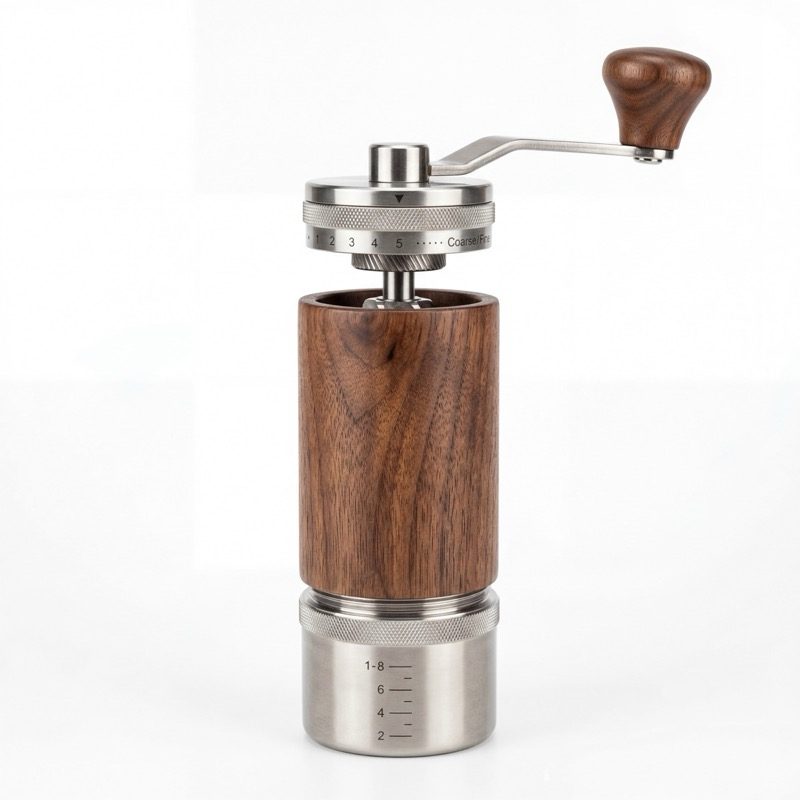
The DIY Approach
What you need
- Camera: A smartphone with a decent camera works fine. iPhone 14+ or Samsung Galaxy S23+ are more than sufficient.
- Lighting: Two softbox lights ($40-80 for a pair) or natural window light on an overcast day.
- Backdrop: A white poster board ($3) or a roll of white seamless paper ($15).
- Surface: A white acrylic sheet creates clean reflections for some products.
- Editing: Free tools like Remove.bg for background removal, or Photoshop ($20/mo) for full control.
The shooting process
- Set up your white backdrop in a well-lit area
- Position your product in the center with even lighting from both sides
- Shoot from slightly above eye level
- Take 10-15 shots from different angles
- Select the best shots and edit in post
Post-processing
Even with a perfect white backdrop, you'll need editing:
- Background removal to get true white (RGB 255, 255, 255)
- Color correction to ensure accurate product colors
- Shadow cleanup to remove unwanted reflections
- Cropping to meet the 85%+ product fill requirement
- Resizing to marketplace specifications (minimum 2000px for Amazon)
DIY cost breakdown
| Item | Cost | |------|------| | White backdrop | $3-15 | | Lighting (optional) | $40-80 | | Phone tripod | $15-25 | | Background removal tool | Free-$10/mo | | Your time (2-4 hours/product) | Varies | | Total per product | $5-15 + time |
DIY limitations
- Only produces main images — no lifestyle shots, infographics, or comparisons
- Inconsistent results across products and shooting sessions
- Time-intensive — 2-4 hours per product for shooting and editing
- Learning curve — first attempts rarely meet marketplace standards
- Lighting challenges — reflective, translucent, or dark products are extremely difficult
AI Product Photography Tools
Modern AI product photography tools take a different approach: upload one clear source photo and get a complete ecommerce image set for review.
How it works
- Upload a single product photo (even a smartphone snap)
- The tool analyzes your product — shape, category, materials, features
- Generates a complete image set: clean main, lifestyle scenes, infographics, detail shots, comparisons
- Images are output at high resolution with pure white backgrounds where needed
What you get
Unlike DIY, which usually produces only main images, AI product photography tools can generate the fuller image set that online shops need:
- Clean main on pure white background
- Lifestyle scenes in realistic environments
- Feature infographics with callout text
- Detail close-ups highlighting quality
- Comparison and scale reference images
- Packaging or what's-included images for expectation setting
Cost comparison
| Approach | Cost/Product | Images | Time | Quality | |----------|-------------|--------|------|---------| | DIY | $5-15 + hours | 1-2 types | 2-4 hours | Variable | | AI product image tool | About €16-20 on monthly plans | 8-12 images per product | Minutes + review | Consistent | | Professional photographer | $300-700 | 7 types | 1-2 weeks | Highest |

When to Use Each Approach
DIY works best when:
- You're selling 1-2 products and have time to invest
- Your product is simple (solid color, basic shape)
- You only need a main image (not the full 7-image set)
- You enjoy photography and want full creative control
Automated tools work best when:
- You need multiple image types (main + lifestyle + infographic)
- You're launching or scaling a catalog of products
- Speed matters — you want to create review-ready images quickly
- You want consistent quality across your entire catalog
- Budget is a constraint (cheaper than a photographer, faster than DIY)
- You still want to review every image before it goes live
Professional photographers work best when:
- You're selling premium products where image quality is paramount
- You need custom creative direction that can't be templated
- Your product requires complex styling (food, fashion, jewelry)
- Budget isn't the primary concern
The Hidden Cost of Bad Product Images
The cheapest option isn't always the most economical. Consider what bad images actually cost:
- Lower click-through rate — Poor images mean fewer customers even see your listing
- Lower conversion rate — Customers who do click are less likely to buy
- Higher return rate — Inaccurate images lead to "not as expected" returns
- Suppressed listings — Amazon can hide listings with nonconforming images
Quality images can pay back in several ways: more confident clicks, clearer product expectations, fewer support questions, and fewer returns caused by "not as expected" surprises.
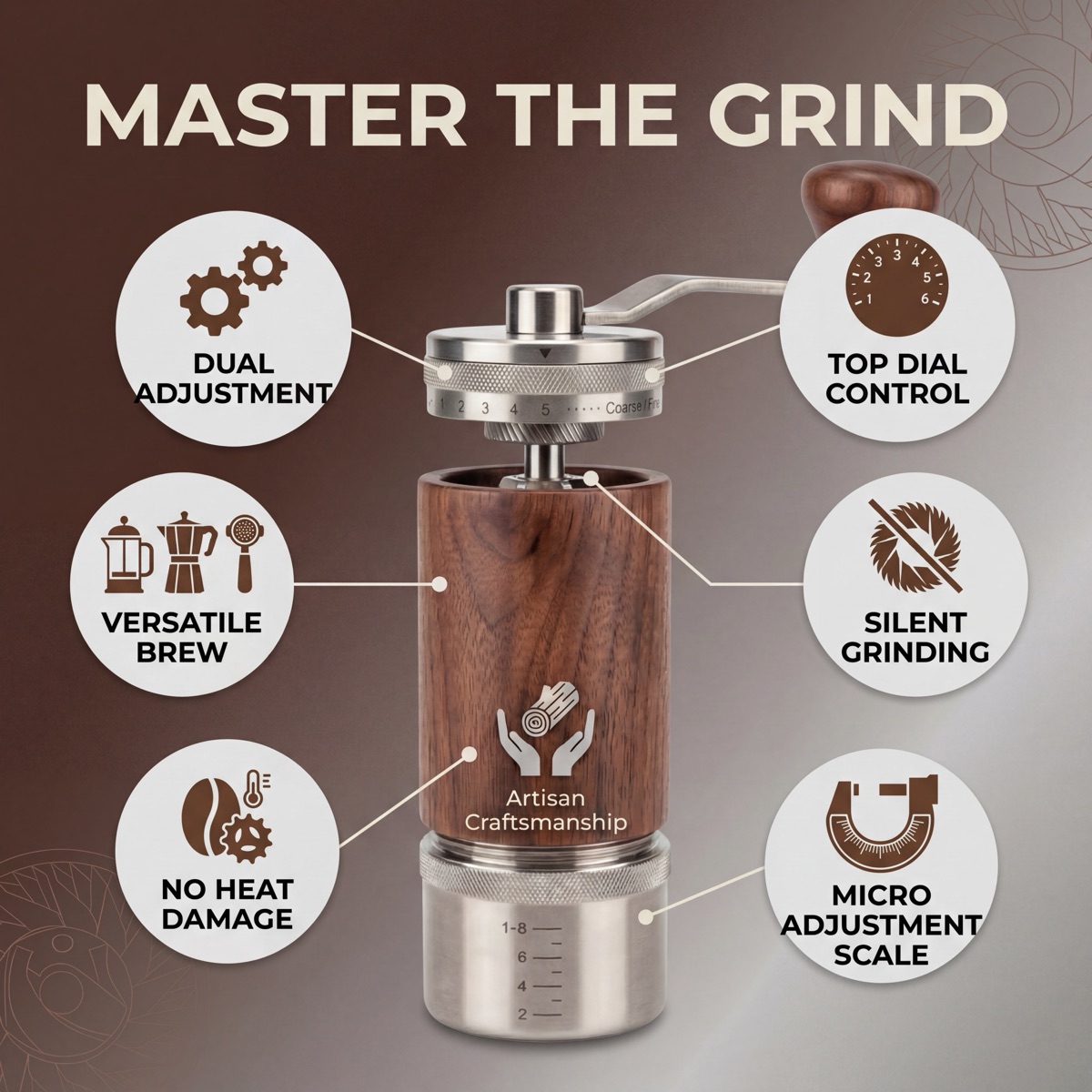
Getting the Best of Both Worlds
Many successful sellers use a hybrid approach:
- Take a clean product photo with your smartphone using good light.
- Generate the full image set using an AI product photography tool.
- Hire a photographer for hero products or seasonal campaigns (premium)
- Review every final image for product accuracy, spelling, claims, and channel fit.
This gives you speed and consistency for your catalog, with premium quality where it matters most.
Start With One Product
Upload one product photo and create a complete ecommerce image set for review: clean main image, lifestyle image, infographic, detail image, comparison, and more.
Create your first product image set or compare pricing.
Use the Review Workflow before uploading images to your online shop or marketplace.