Build trust before shoppers read the label
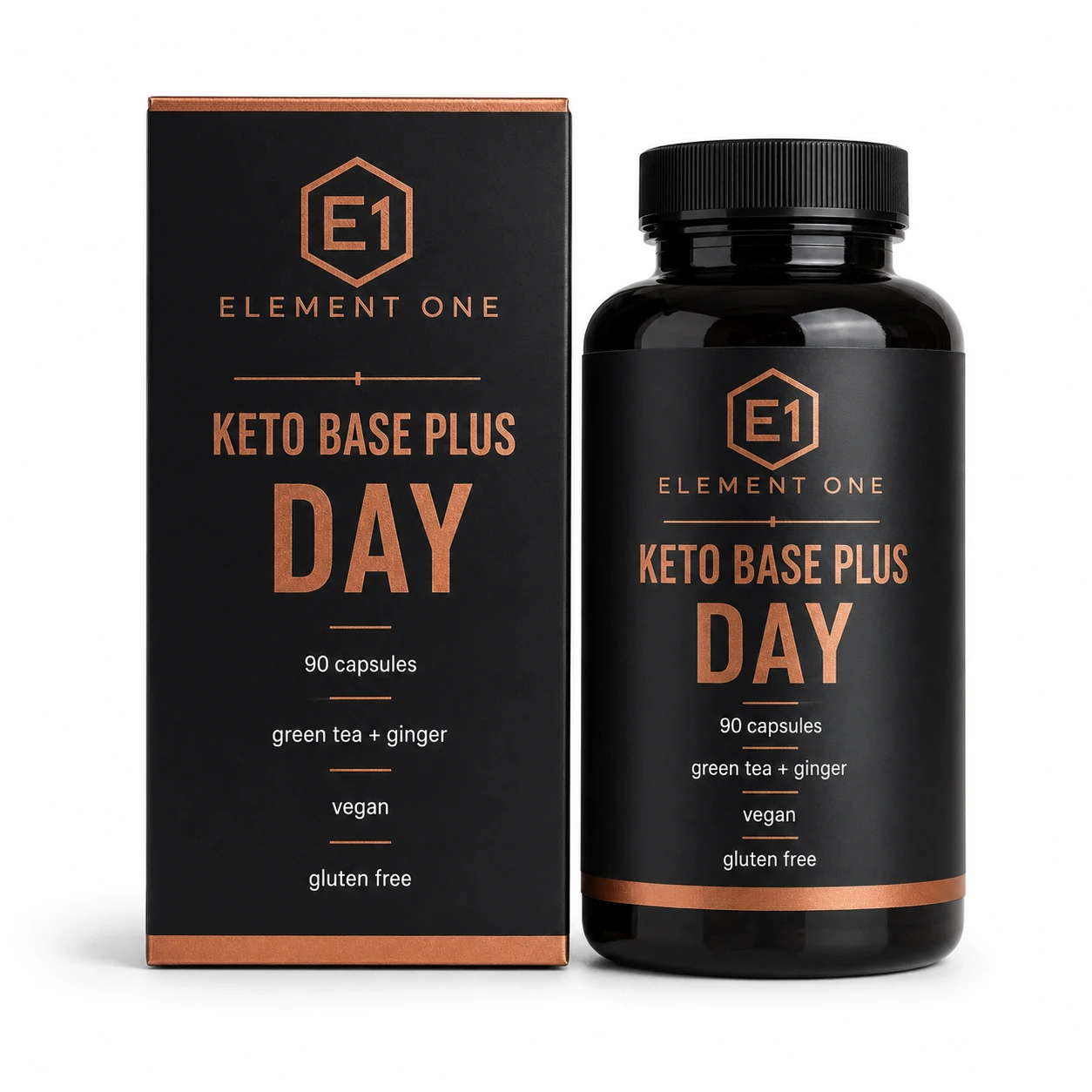
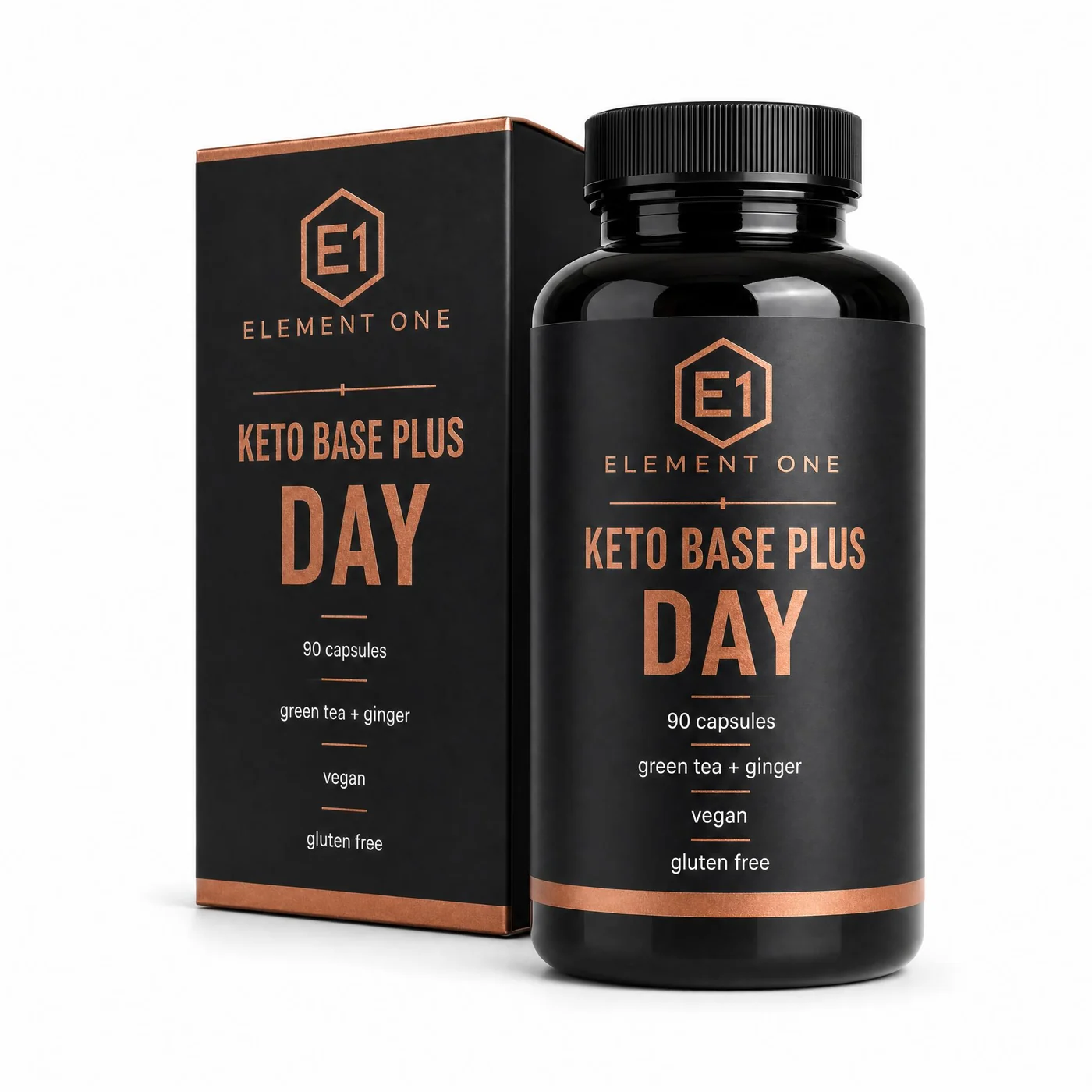
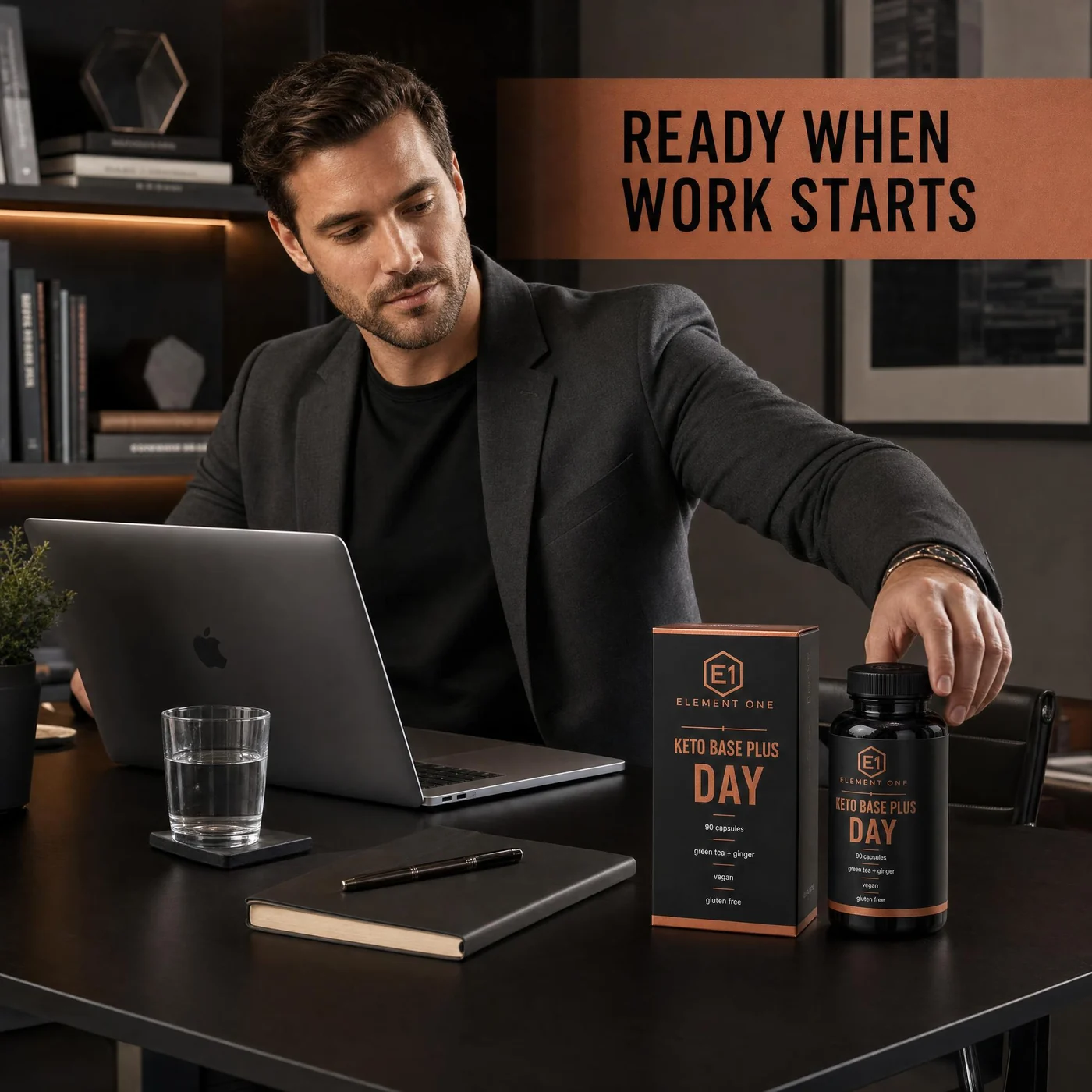
Create product images that show packaging, capsule or powder format, pack contents, and the daily routine context around the supplement.
Supplement product photography
ProdVue helps supplement brands and online shops create product image sets for capsules, powders, gummies, drops, wellness bundles, and nutrition products. Start with one source photo, then generate 4K main images, ingredient visuals, benefit explainers, lifestyle scenes, and ad-ready crops.
What this solves
Each page section is written around customer outcomes, not internal features.
Create product images that show packaging, capsule or powder format, pack contents, and the daily routine context around the supplement.
Use ingredient, format, flavor, serving, and usage images to answer the questions shoppers usually ask before buying.
Review benefit text, ingredient names, usage notes, and label details before images are exported to your shop or marketplace.
Generate main, lifestyle, ingredient, benefit, comparison, and ad-style visuals for new SKUs, bundles, and seasonal campaigns.
Image types
Shoppers scan images before they read long product descriptions. ProdVue plans the set around the questions those shoppers need answered.
Product-first photos for collection grids, product pages, shopping placements, and marketplace listings.
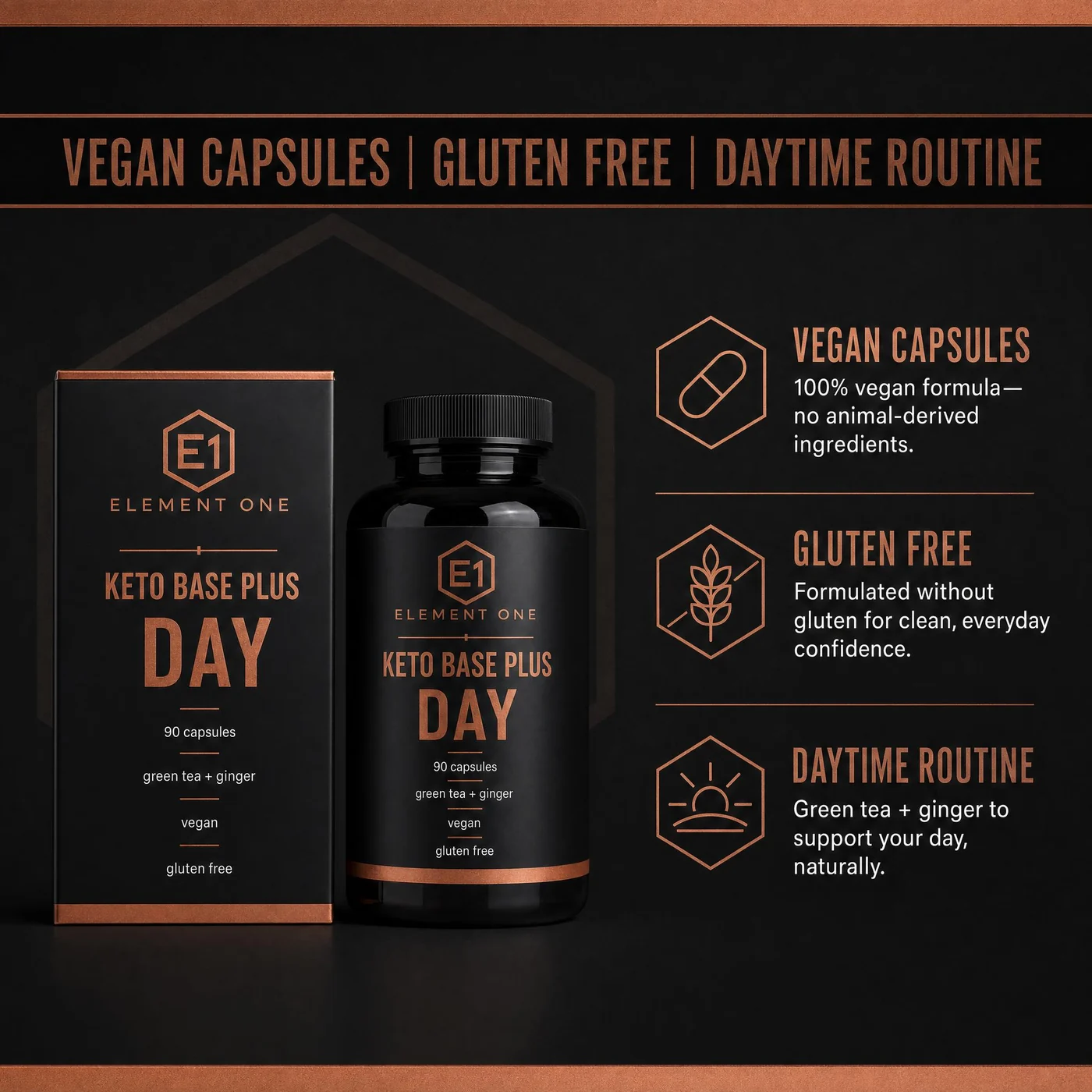
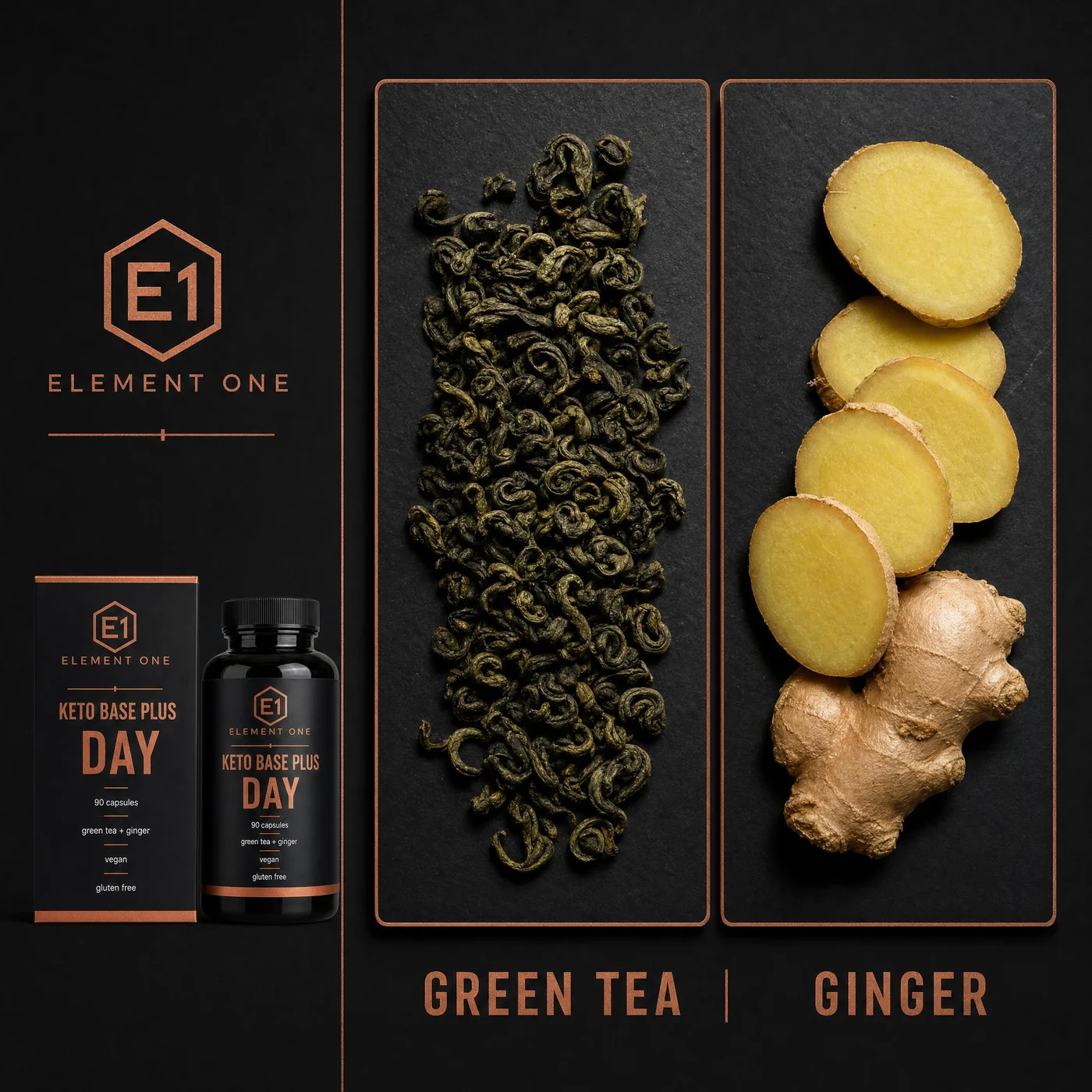
Show ingredients, formulation notes, serving format, flavor, pack count, and label details in a readable image.
Place capsules, powders, gummies, drops, or wellness bundles in morning, evening, gym, travel, or kitchen routines.
Explain product differences, bundle value, usage moments, and approved benefits without making unsupported health promises.
Workflow
The goal is not another isolated AI image. It is a repeatable ecommerce production path.
Start from the bottle, pouch, jar, box, label, supplement facts panel, or product photo you already have.
Include ingredients, serving size, product format, flavor, audience, routine, packaging, and approved wording.
Create main, ingredient, benefit, usage, lifestyle, comparison, and ad-style product images from the same product context.
Check label accuracy, product realism, claim-sensitive copy, crop, and final image quality before publishing.
FAQ
Clear answers for buyers comparing AI product photography, product image generators, and ecommerce photo production.
A strong supplement image set usually includes a clean main product image, ingredient or supplement-fact visual, usage or routine scene, benefit explanation, pack-count or format image, and comparison or bundle image.
Yes. One source photo can start the workflow. Adding label photos, supplement facts, ingredient notes, usage guidance, and approved wording helps ProdVue create a more accurate and useful image set.
No. ProdVue helps you review image text, product facts, and source details before export, but your team remains responsible for legal, regulatory, marketplace, and brand approval.
Related workflows
Create Amazon-specific supplement gallery images and A+ support visuals.
Turn ingredients, usage, and approved benefits into readable ecommerce images.
Create full product image sets for online shops and marketplaces.
Upload one product photo, generate the image types your product page needs, review the result, and export the approved files.