Etsy product photography
Etsy product photography for listings that look professional.
ProdVue helps Etsy sellers create product visuals that feel crafted, clear, and trustworthy. Turn one product upload into listing images that show the item, materials, scale, packaging, use case, and product story without rebuilding every asset manually.
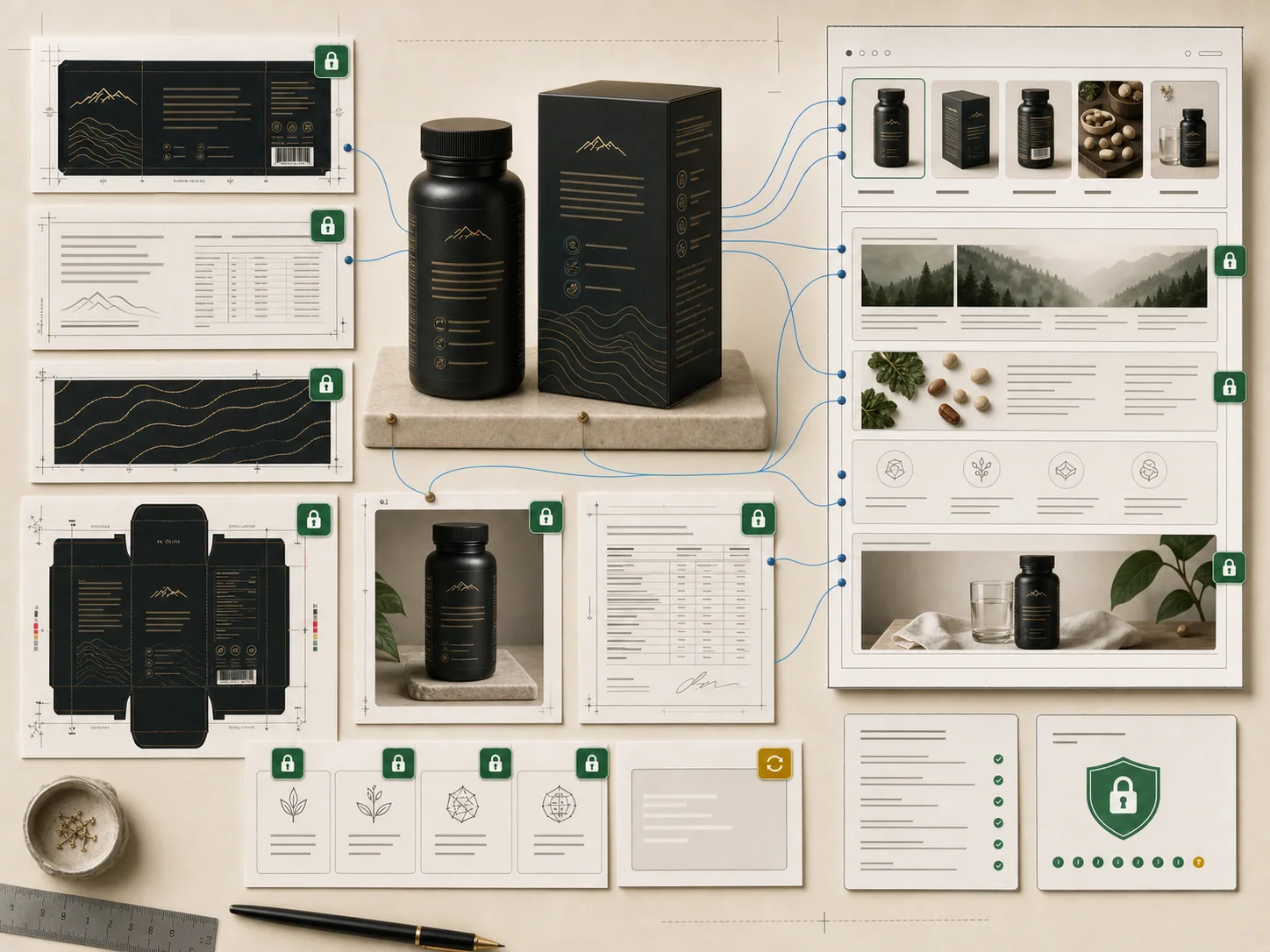
Workflow
A repeatable path from product upload to approved image set.
Each platform needs different crops, image roles, and buyer context. ProdVue keeps the production path consistent.
Upload the product photo and add material, size, packaging, or care details.
Choose Etsy-ready image roles: main, lifestyle, detail, scale, packaging, and story visuals.
Generate images that match the shop's style and product category.
Review text, product accuracy, and image crop before publishing.
Export approved visuals for Etsy listings, shop updates, and social posts.
Source inputs
Product context that keeps images accurate.
Outputs
Channel outcomes your team can use.
FAQ
Questions before you create channel-ready images.
Short answers for teams comparing ecommerce product photography, product image generators, and channel-specific image workflows.
Yes. ProdVue can create Etsy-ready listing visuals that show the product, materials, scale, packaging, use case, and product story.
Yes. Shop style direction, material notes, packaging details, and product context help the generated set match the tone of the listing.
Yes. Etsy image sets can include scale, material, packaging, detail, and lifestyle visuals so buyers understand what they are purchasing.
Yes. Approved images can also support shop updates, social posts, seasonal campaigns, and owned-store product pages.
Create channel-ready product image sets.
Upload one product, generate the visuals your store or marketplace needs, review the result, and export approved files.