Show packaging and product quality clearly
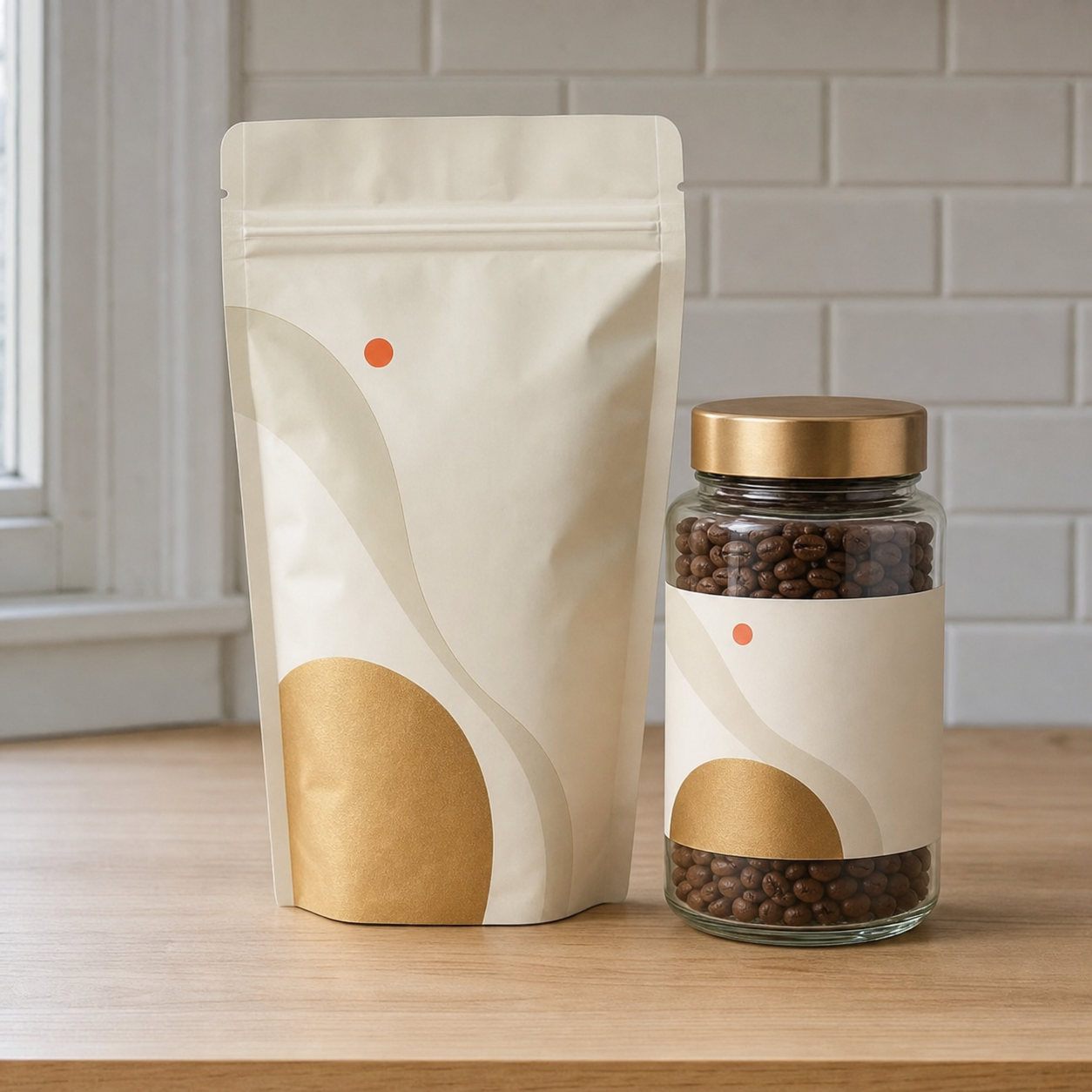
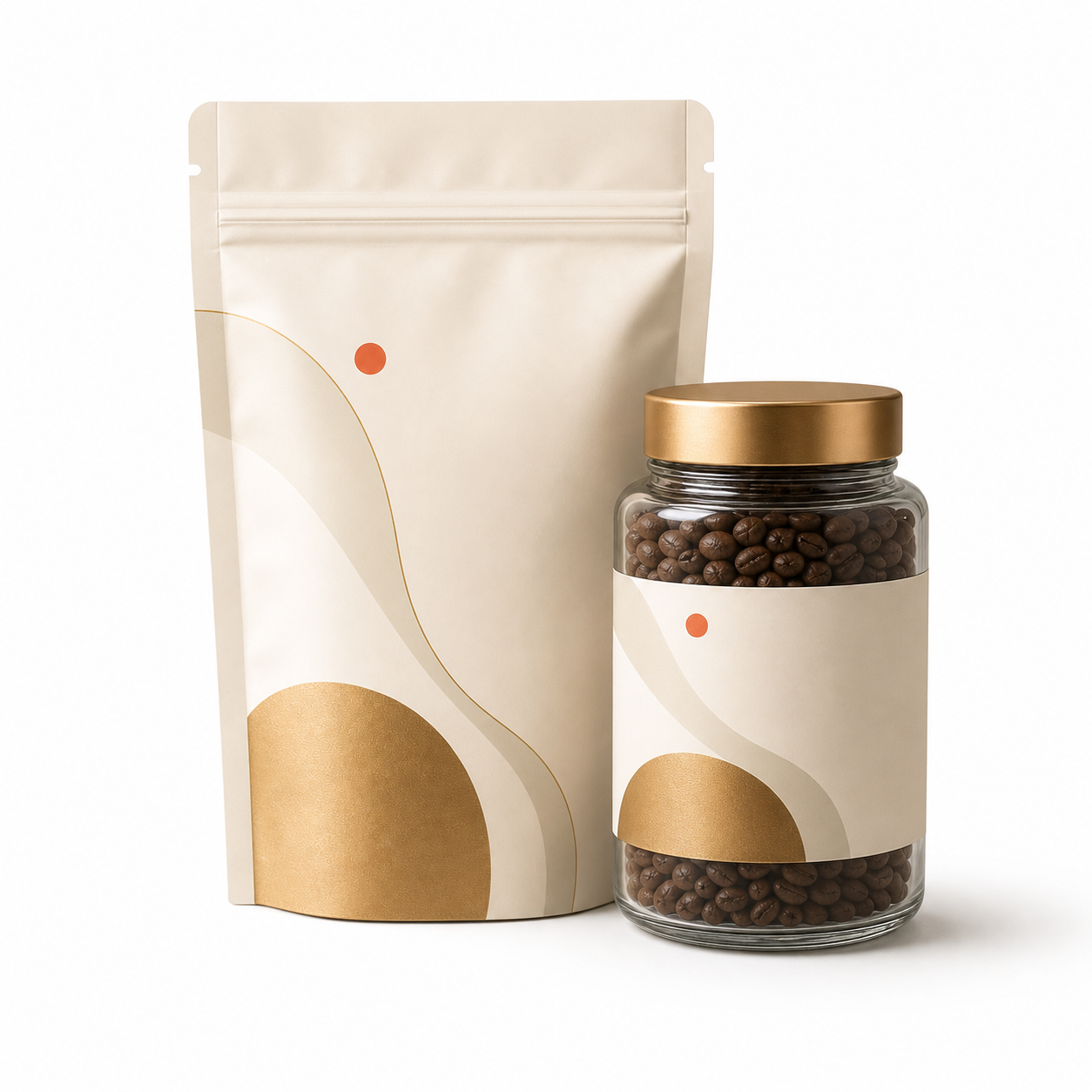
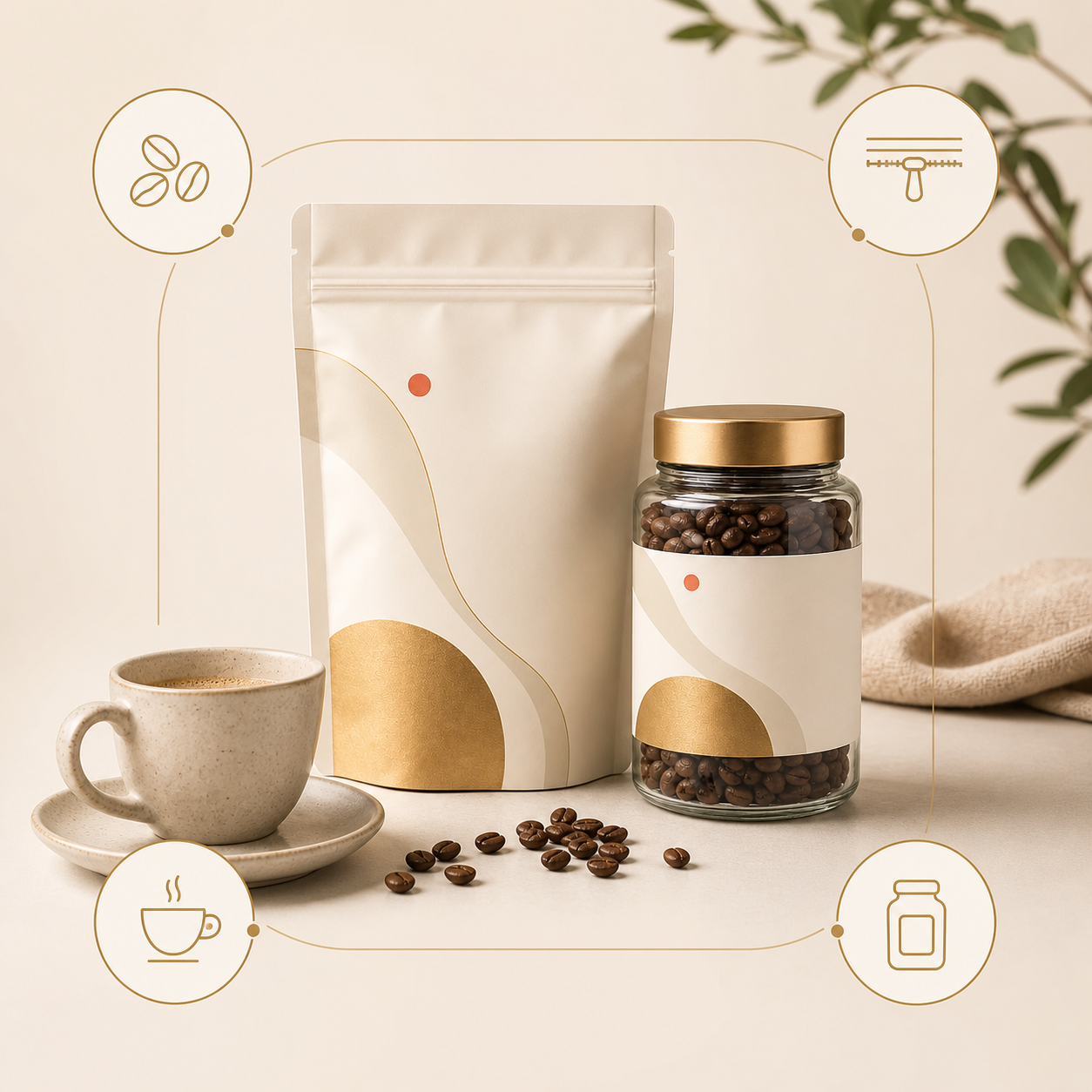
Create clean product-first photos that make the pack, jar, bottle, box, or bundle easy to inspect before shoppers zoom.
Food product photography
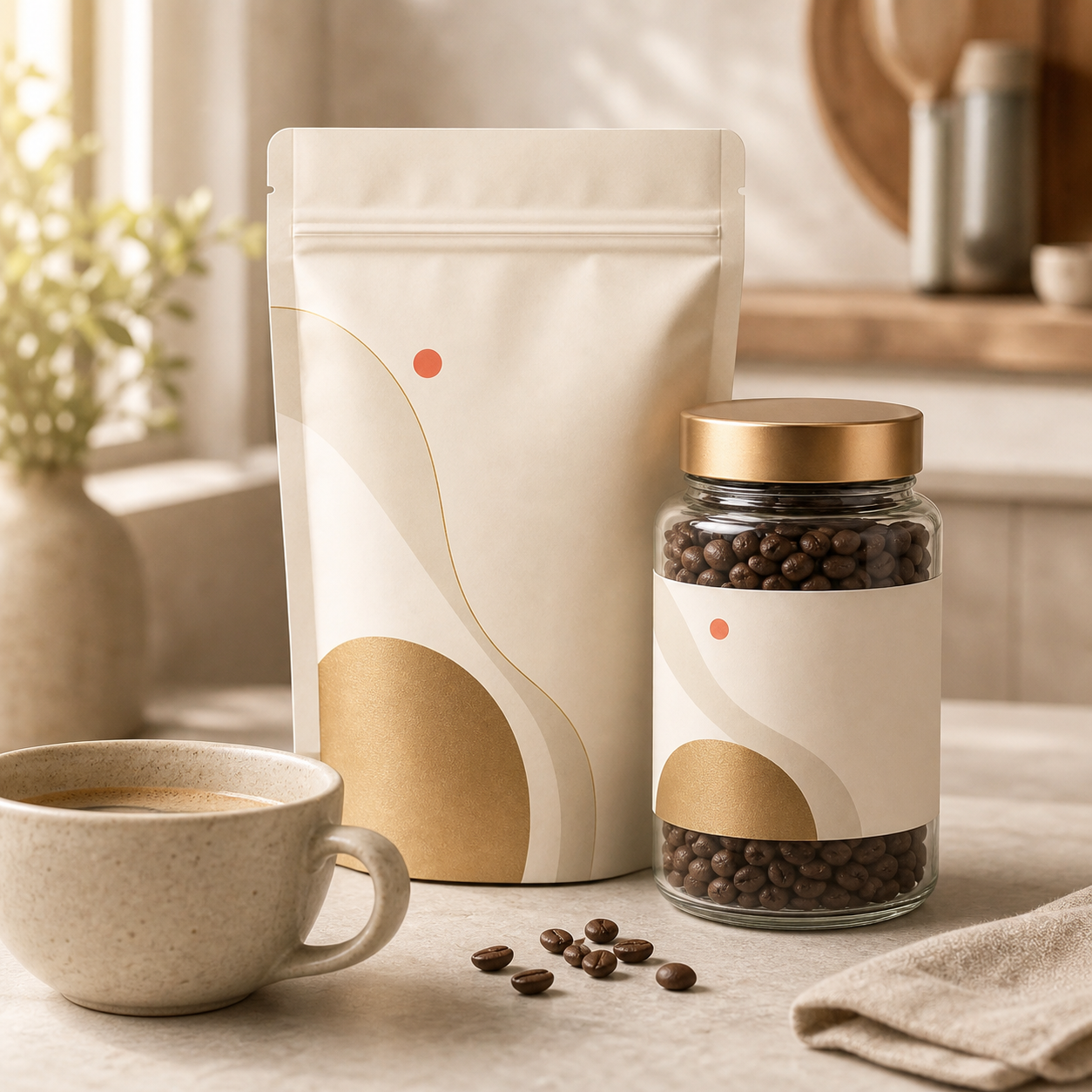
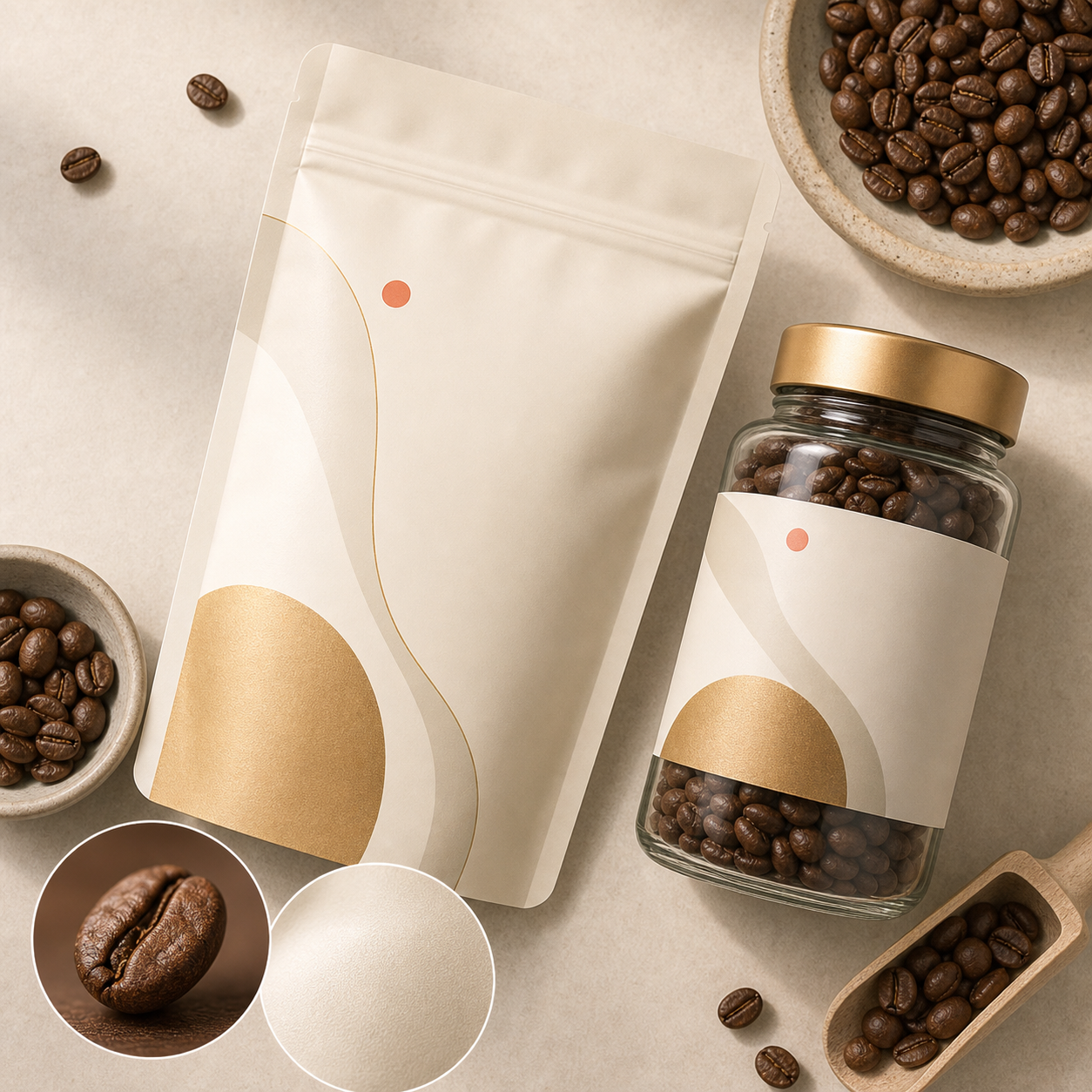
ProdVue helps food and beverage brands create product image sets for coffee, tea, snacks, pantry products, sauces, drinks, bundles, and packaged goods. Start with one source photo, then generate 4K main images, serving scenes, ingredient details, benefit visuals, and ad-ready crops.
What this solves
Each page section is written around customer outcomes, not internal features.
Create clean product-first photos that make the pack, jar, bottle, box, or bundle easy to inspect before shoppers zoom.
Use detail images to show beans, grains, sauces, snacks, materials, serving format, and packaging texture without relying on long descriptions.
Generate breakfast, kitchen, cafe, table, pantry, or gifting scenes that help shoppers picture how the product fits into daily use.
Check flavor notes, ingredient phrasing, pack details, and claim-sensitive text before images go live in your shop or marketplace.
Image types
Shoppers scan images before they read long product descriptions. ProdVue plans the set around the questions those shoppers need answered.
Product-first images for store grids, product pages, shopping placements, and marketplace listings.
Show the product in breakfast, cooking, snacking, pantry, cafe, gifting, or table scenes that fit the buyer.
Help shoppers inspect roast, grind, grain, sauce, snack texture, bottle finish, pouch material, and product contents.
Explain pack contents, usage moments, flavor variety, bundle value, and product differences with reviewable image layouts.
Workflow
The goal is not another isolated AI image. It is a repeatable ecommerce production path.
Start from a pouch, jar, bottle, tin, box, label, bundle, or simple product photo you already have.
Include flavor notes, format, ingredients, pack count, serving ideas, audience, and approved wording.
Create main, lifestyle, ingredient, detail, benefit, comparison, bundle, and ad-style product images.
Check packaging accuracy, ingredient visuals, product realism, wording, and final crop before using the files.
FAQ
Clear answers for buyers comparing AI product photography, product image generators, and ecommerce photo production.
A strong food ecommerce image set usually includes a clean packaged-product main image, serving or lifestyle scene, ingredient or texture detail, benefit or usage visual, and bundle or pack-content image.
Yes. One product photo can start the workflow. Adding packaging, label, ingredient, serving, and approved wording details helps ProdVue create more accurate product-page images.
Yes. ProdVue supports review before export so your team can check flavor wording, ingredient phrasing, packaging details, claim-sensitive copy, and final image quality before publishing.
Related workflows
Upload one product photo, generate the image types your product page needs, review the result, and export the approved files.