Show exact product shape and finish
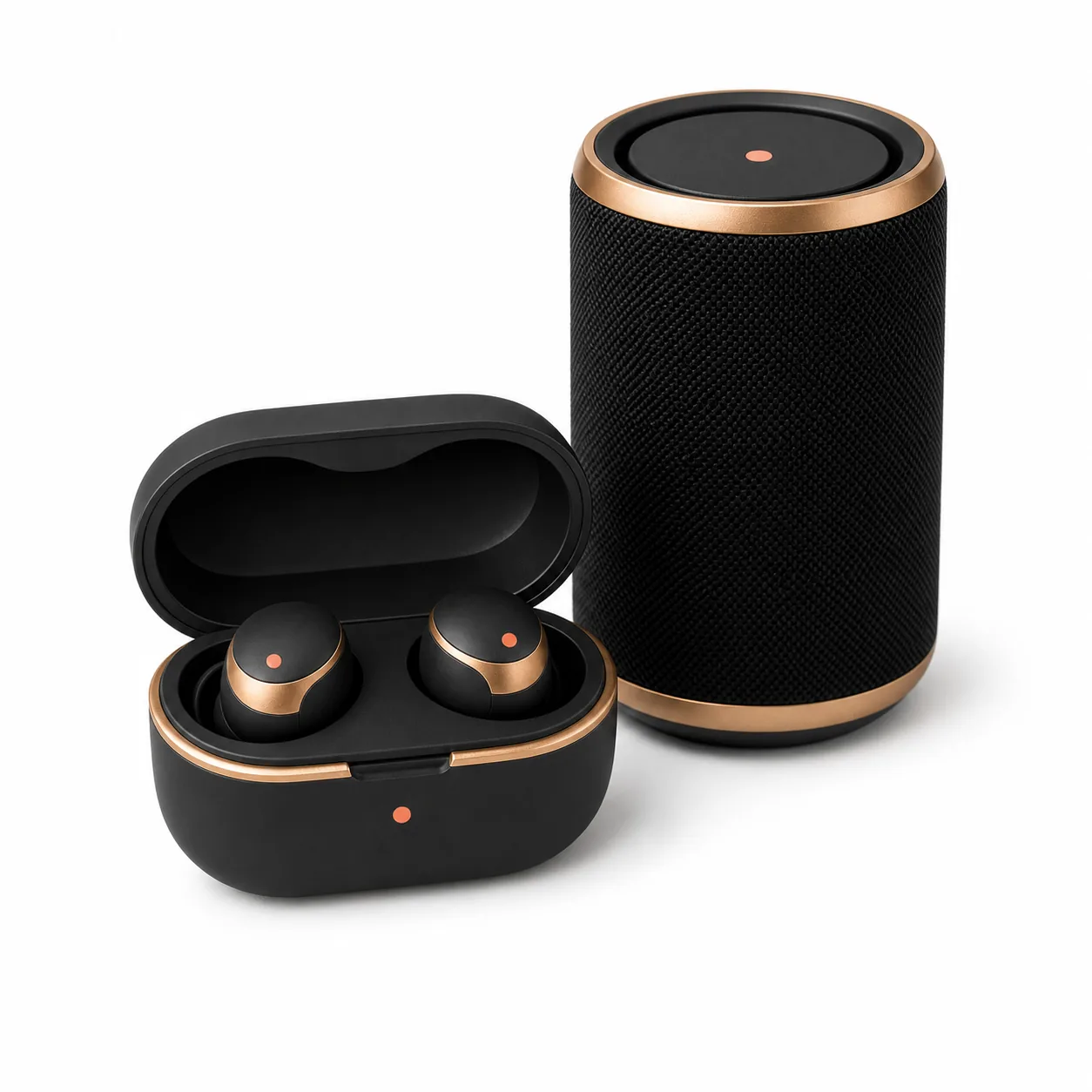
Create clean product-first images that make materials, texture, edges, ports, cases, and accessories easy to inspect.
Electronics product photography
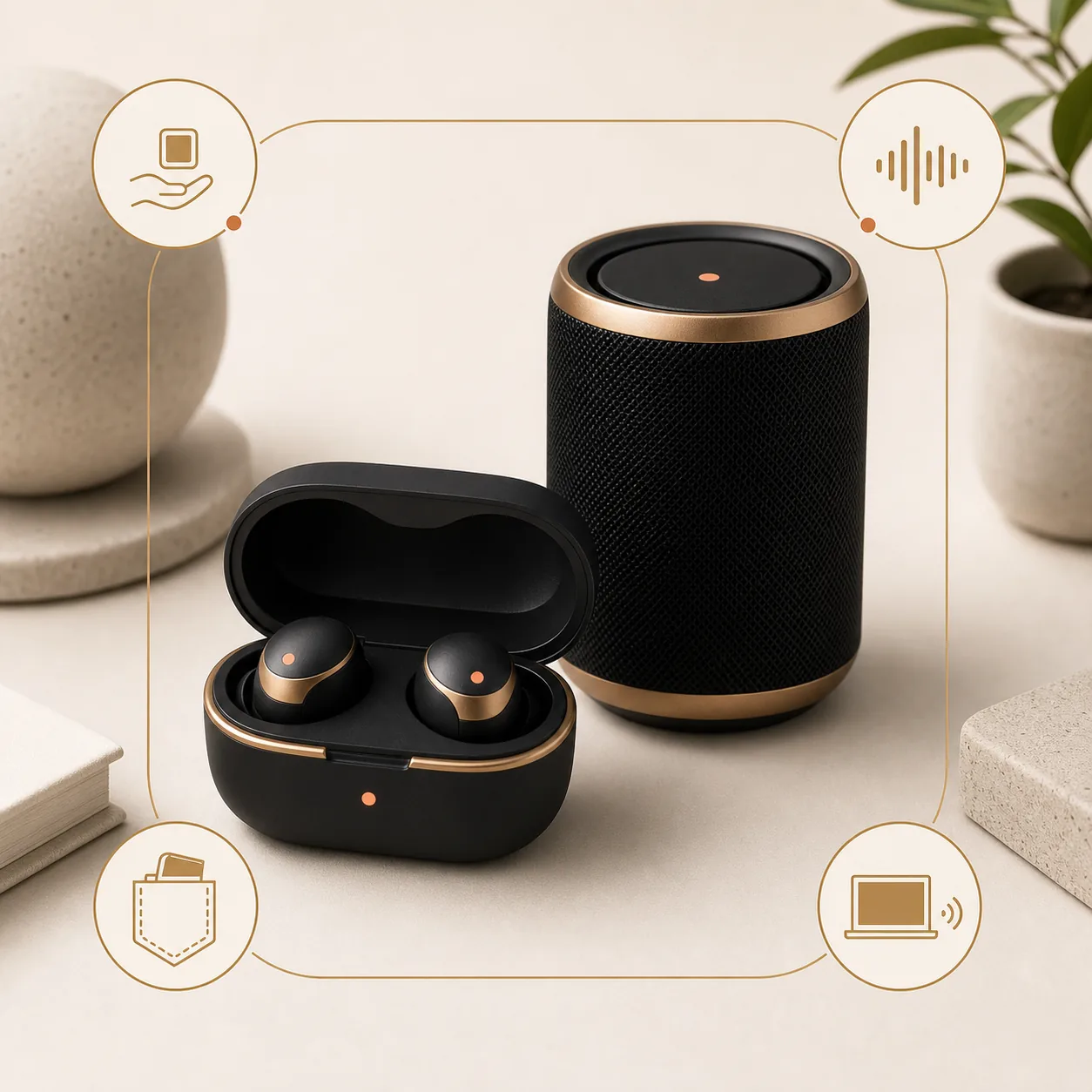
ProdVue helps electronics brands and online shops create image sets for audio gear, accessories, gadgets, smart devices, tools, cases, cables, kits, and compact tech products. Start with one source photo, then generate 4K main images, desk lifestyle scenes, material details, feature visuals, and ad-ready crops.
What this solves
Each page section is written around customer outcomes, not internal features.
Create clean product-first images that make materials, texture, edges, ports, cases, and accessories easy to inspect.
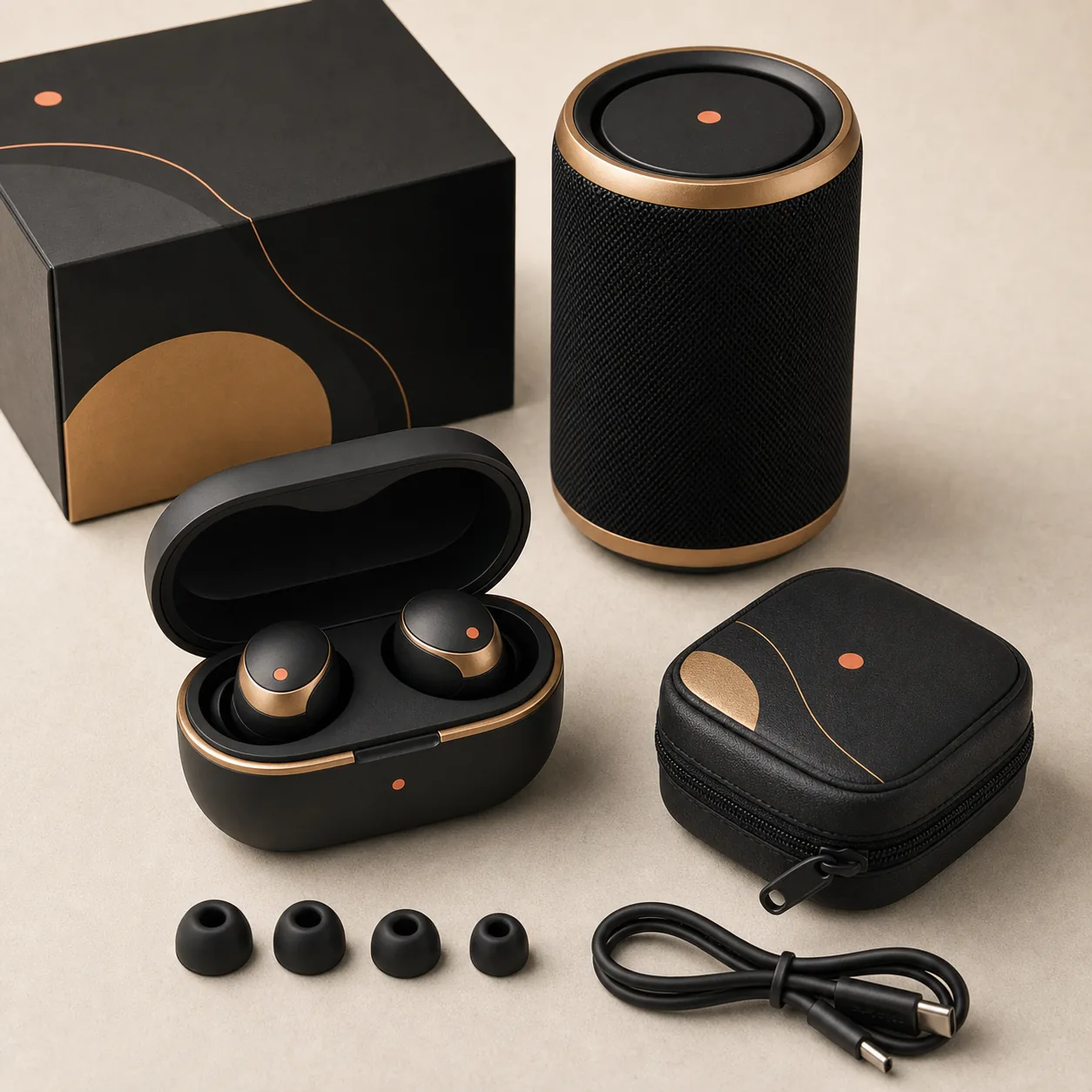
Use kit and scale images to show devices, packaging, cables, cases, tips, tools, or included parts without inventing extras.
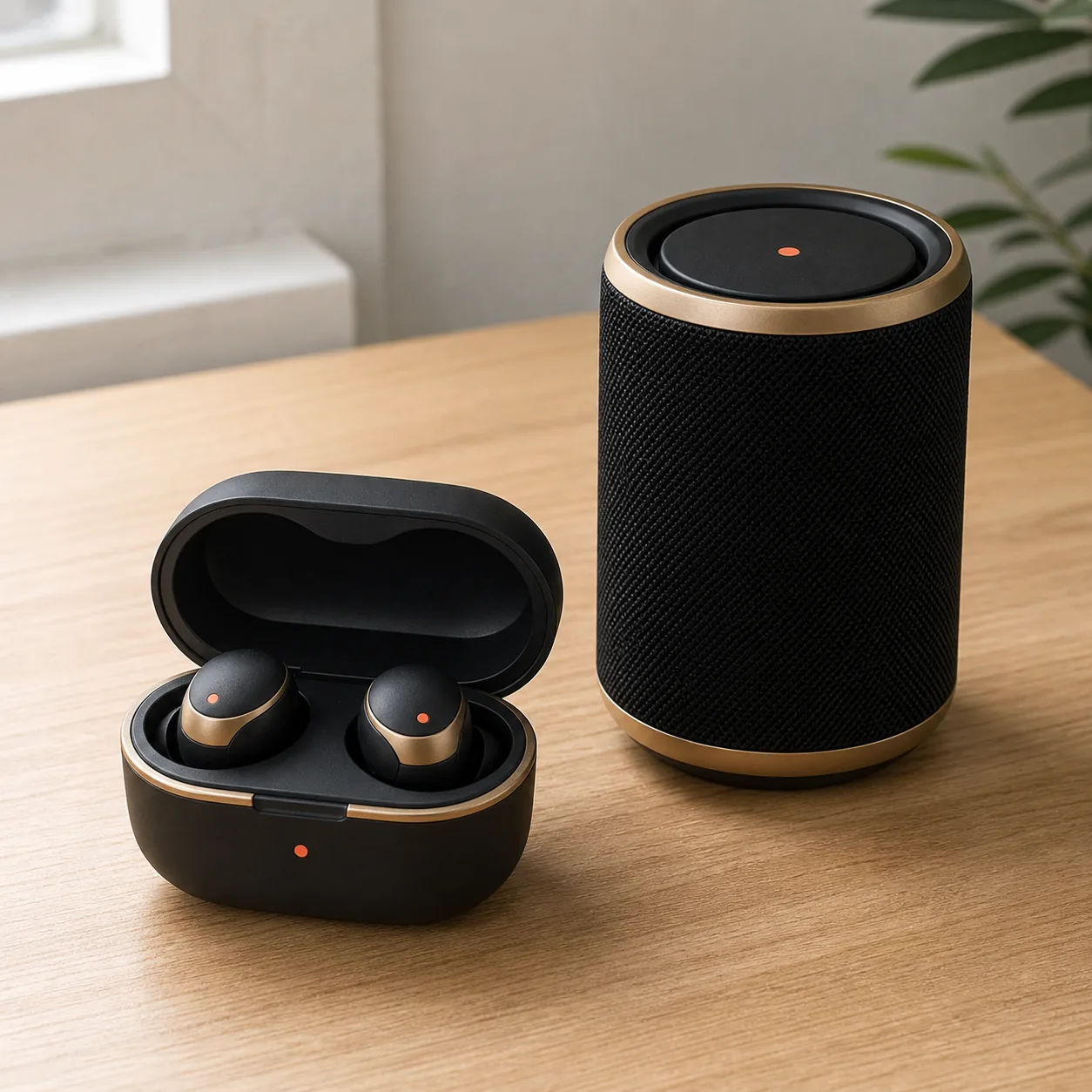
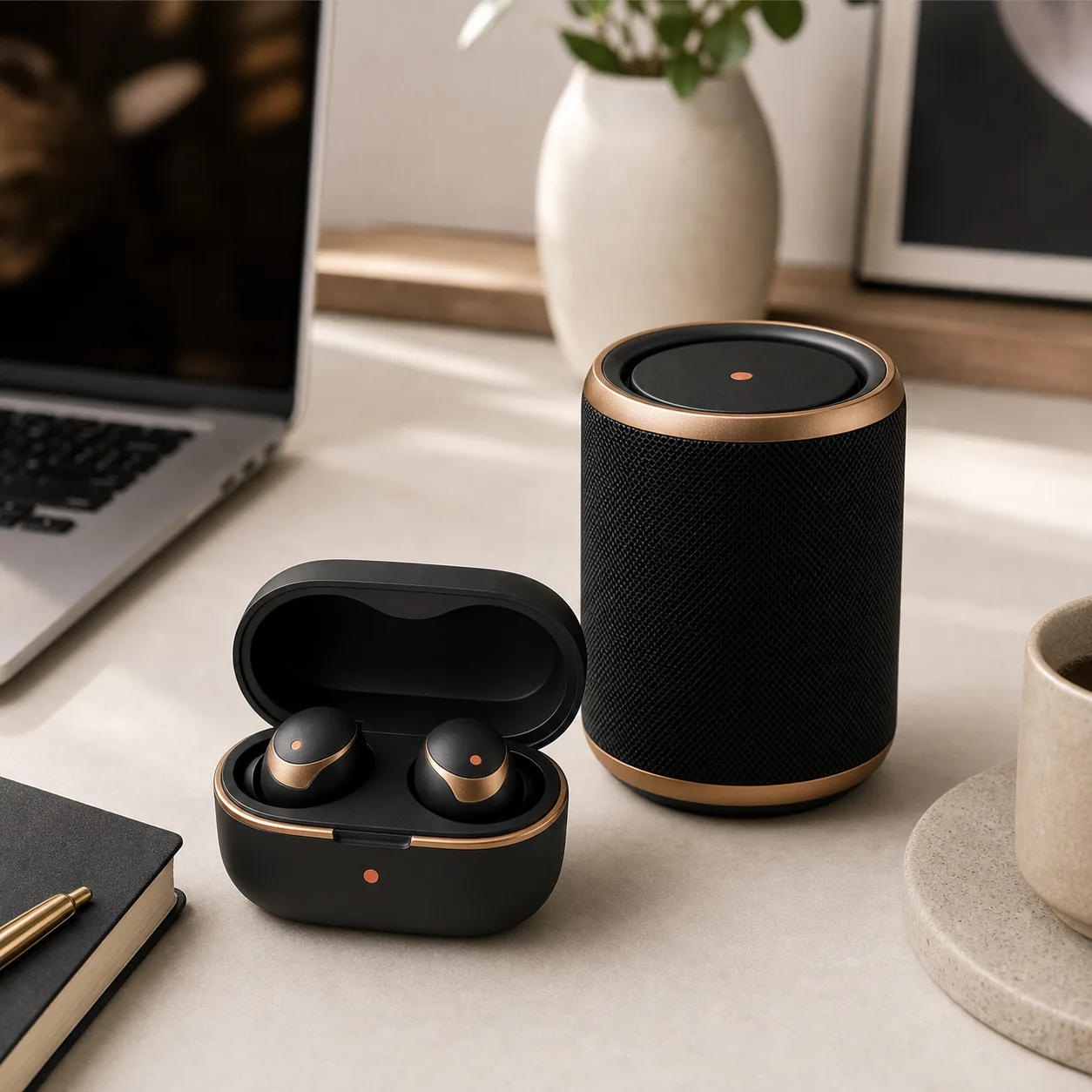
Show the product in desk, home, travel, setup, gaming, creator, or workspace scenes that clarify how it fits into daily use.
Review feature text, icons, ports, accessory details, and any claim-sensitive copy before electronics images go live.
Image types
Shoppers scan images before they read long product descriptions. ProdVue plans the set around the questions those shoppers need answered.
Product-first images for store grids, product pages, marketplace listings, shopping placements, and comparison pages.
Show headphones, audio gear, gadgets, cases, accessories, and tools in believable work, travel, home, or setup contexts.
Help shoppers inspect texture, finishes, buttons, ports, grilles, attachments, accessories, and product components.
Explain what arrives, how the product is used, what it pairs with, and why a shopper should choose this configuration.
Workflow
The goal is not another isolated AI image. It is a repeatable ecommerce production path.
Start from a device, accessory, kit, packaging, cable, case, or simple product photo you already have.
Include material, included parts, compatibility notes, dimensions, use cases, and approved wording.
Create main, lifestyle, detail, feature, scale, comparison, bundle, and ad-style product images.
Check product accuracy, ports, accessories, fake specs, image text, crop, and final quality before export.
FAQ
Clear answers for buyers comparing AI product photography, product image generators, and ecommerce photo production.
A strong electronics image set usually includes a clean main image, desk or in-use lifestyle scene, feature close-up, kit or accessory layout, scale image, and benefit or comparison visual.
Yes. One product photo can start the workflow. Adding accessory photos, packaging, dimensions, compatibility notes, and approved feature wording helps ProdVue create a more accurate image set.
ProdVue is built around review before export. Your team can check product details, ports, accessory counts, feature wording, and any spec-sensitive text before images are used.
Related workflows
Explain features, components, usage, and comparisons with readable ecommerce visuals.
Create clean product-first images for electronics listings and store grids.
Create full image sets for online shops and marketplaces.
Upload one product photo, generate the image types your product page needs, review the result, and export the approved files.