Show the product in context
Help shoppers understand where, when, and how the product fits into their life.
Lifestyle product images
ProdVue turns a product upload into lifestyle visuals that help shoppers picture the product in use. Create scenes for routines, gifting, scale, usage, category context, and campaign pages without arranging a new shoot for every SKU.
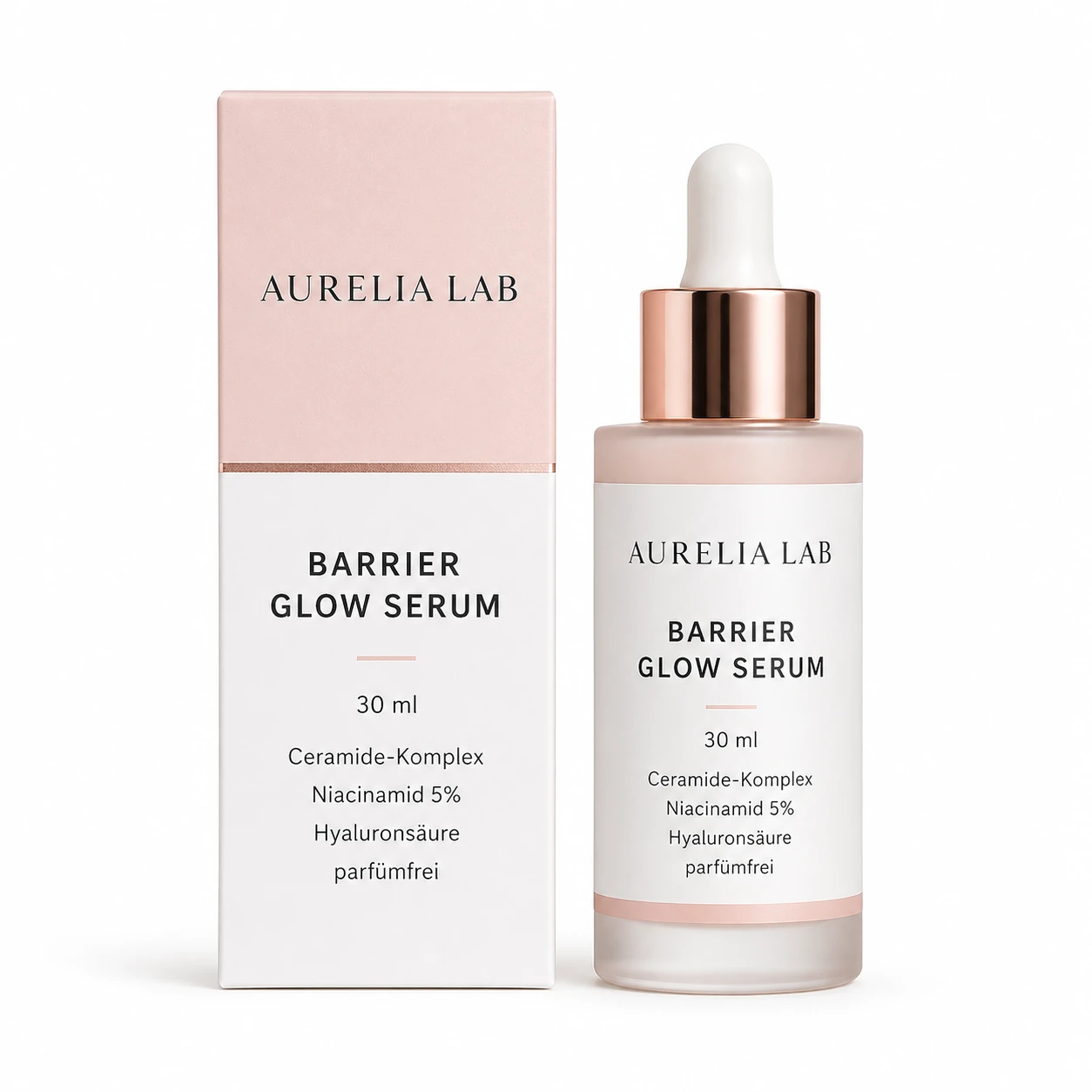
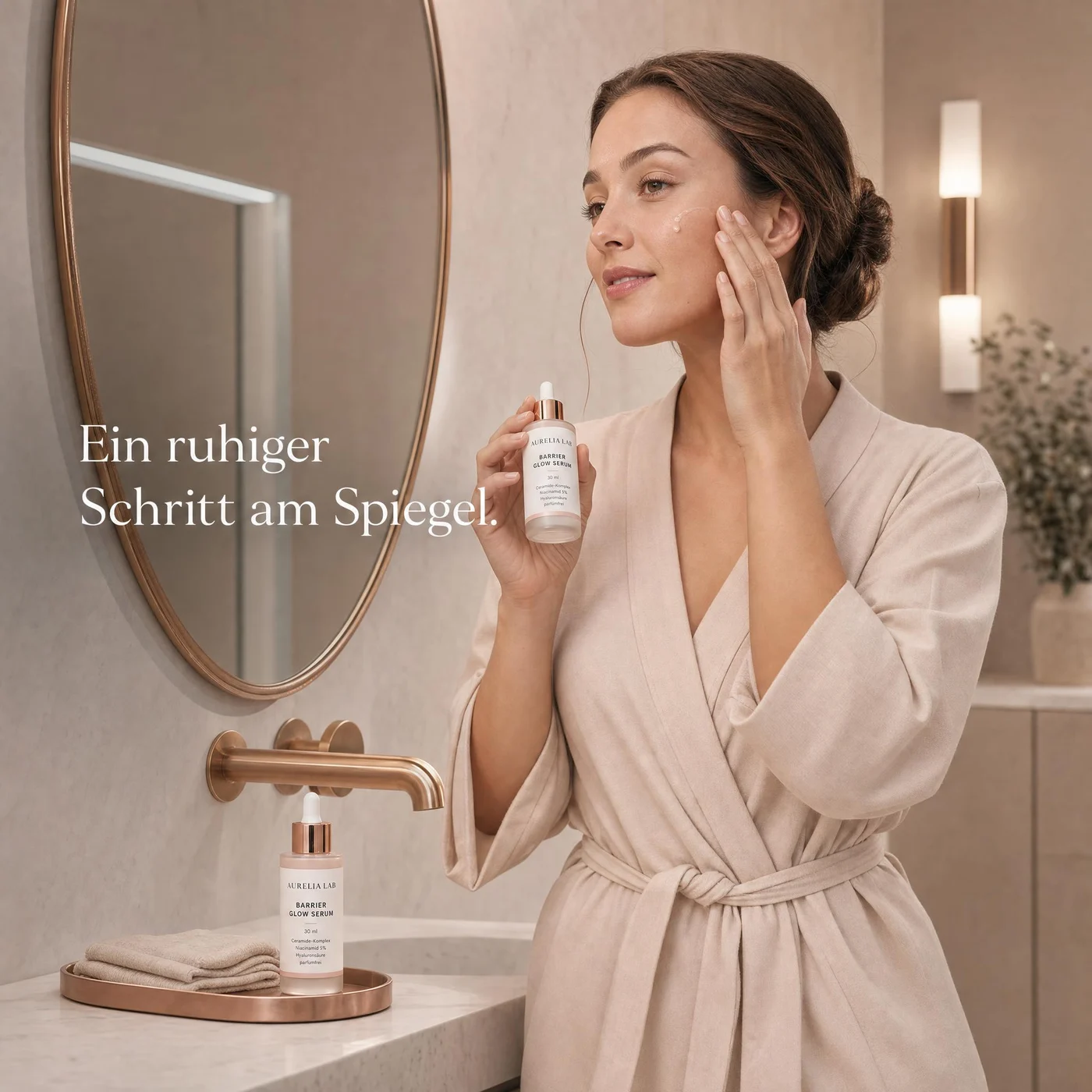
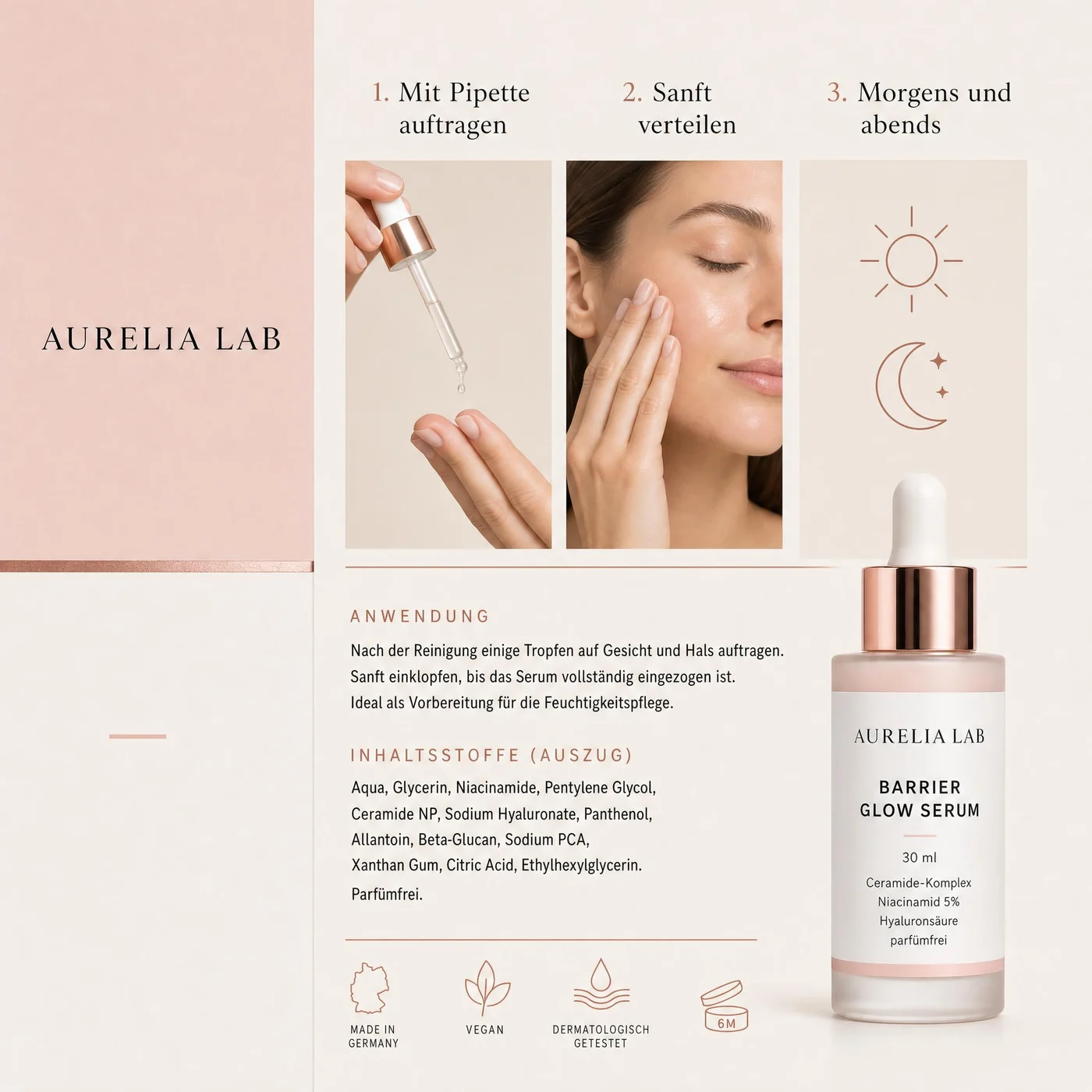
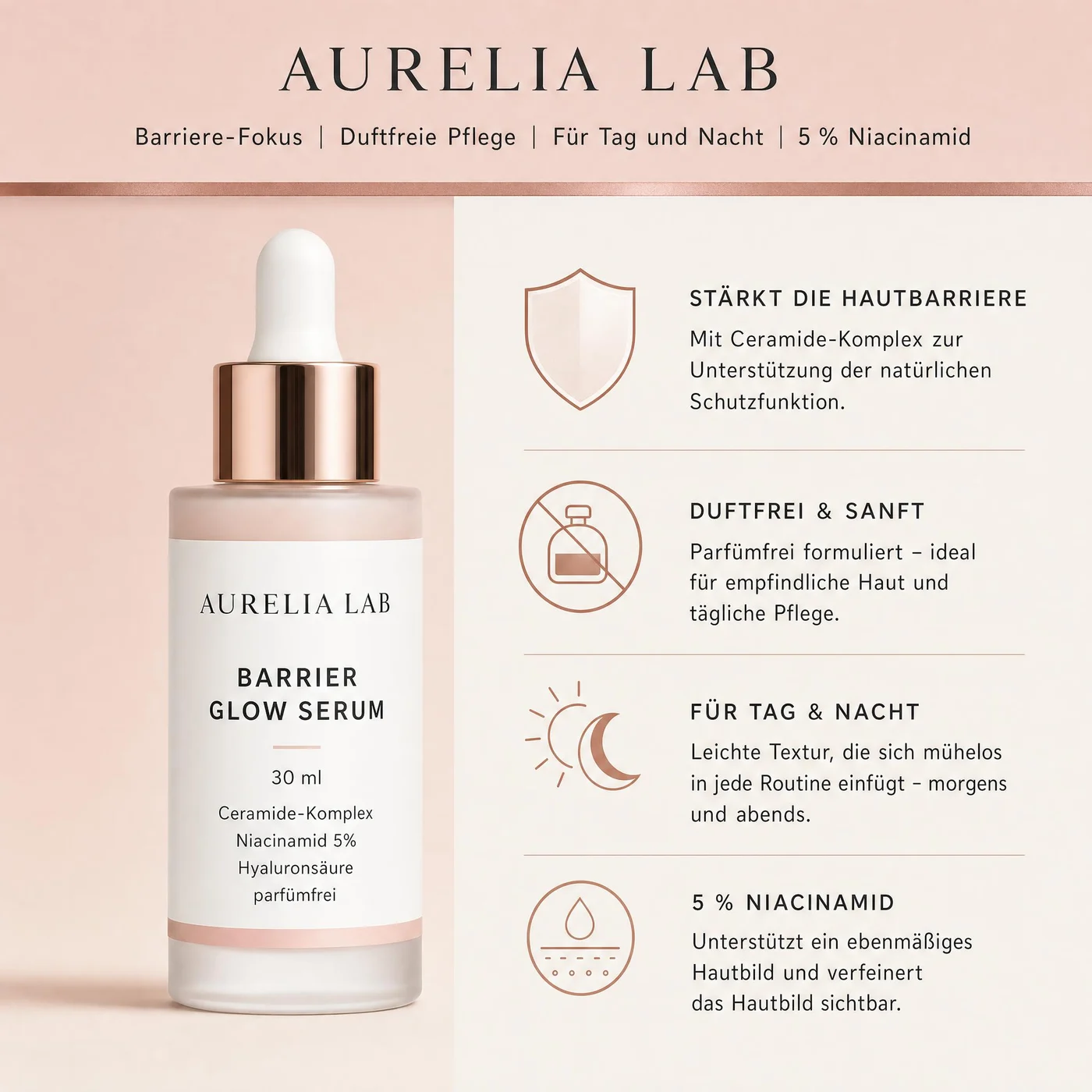
What this solves
Each page section is written around customer outcomes, not internal features.
Help shoppers understand where, when, and how the product fits into their life.
Start from a real product source and review the final image before publishing.
Build scenes for beauty, supplements, pet care, food, home, electronics, and outdoor products.
Use approved lifestyle images on product pages, landing pages, marketplace galleries, and campaigns.
Image types
Shoppers scan images before they read long product descriptions. ProdVue plans the set around the questions those shoppers need answered.
Show the product being held, applied, opened, worn, placed, or used in context.
Connect the product to morning routines, gifting, home use, travel, wellness, or category-specific moments.
Help shoppers understand size, packaging, texture, and how the product appears in real life.
Create visuals for ads, launch pages, collection pages, and seasonal campaigns.
Workflow
The goal is not another isolated AI image. It is a repeatable ecommerce production path.
Add the source product image plus the audience, use case, and category details that matter.
Plan whether the image should show usage, scale, routine, gifting, category context, or campaign mood.
Create lifestyle images that keep the product recognizable and the buying moment clear.
Check product details, scene realism, crop, and brand fit before using the image live.
FAQ
Clear answers for buyers comparing AI product photography, product image generators, and ecommerce photo production.
A lifestyle product image shows the product in a real-use context, such as a routine, room, hand, model, activity, or category scene. It helps shoppers understand how the product fits into their life.
They can, especially when the workflow starts from a real product photo and includes human review. ProdVue is designed so you can inspect product accuracy, scene fit, and visual quality before export.
Yes, approved lifestyle images can support paid ads, landing pages, social posts, product pages, and marketplace galleries when they match your channel rules and brand standards.
Upload one product photo, generate the image types your product page needs, review the result, and export the approved files.