Explain benefits fast
Give shoppers short, readable reasons to understand the product without hunting through long descriptions.
Product infographic design
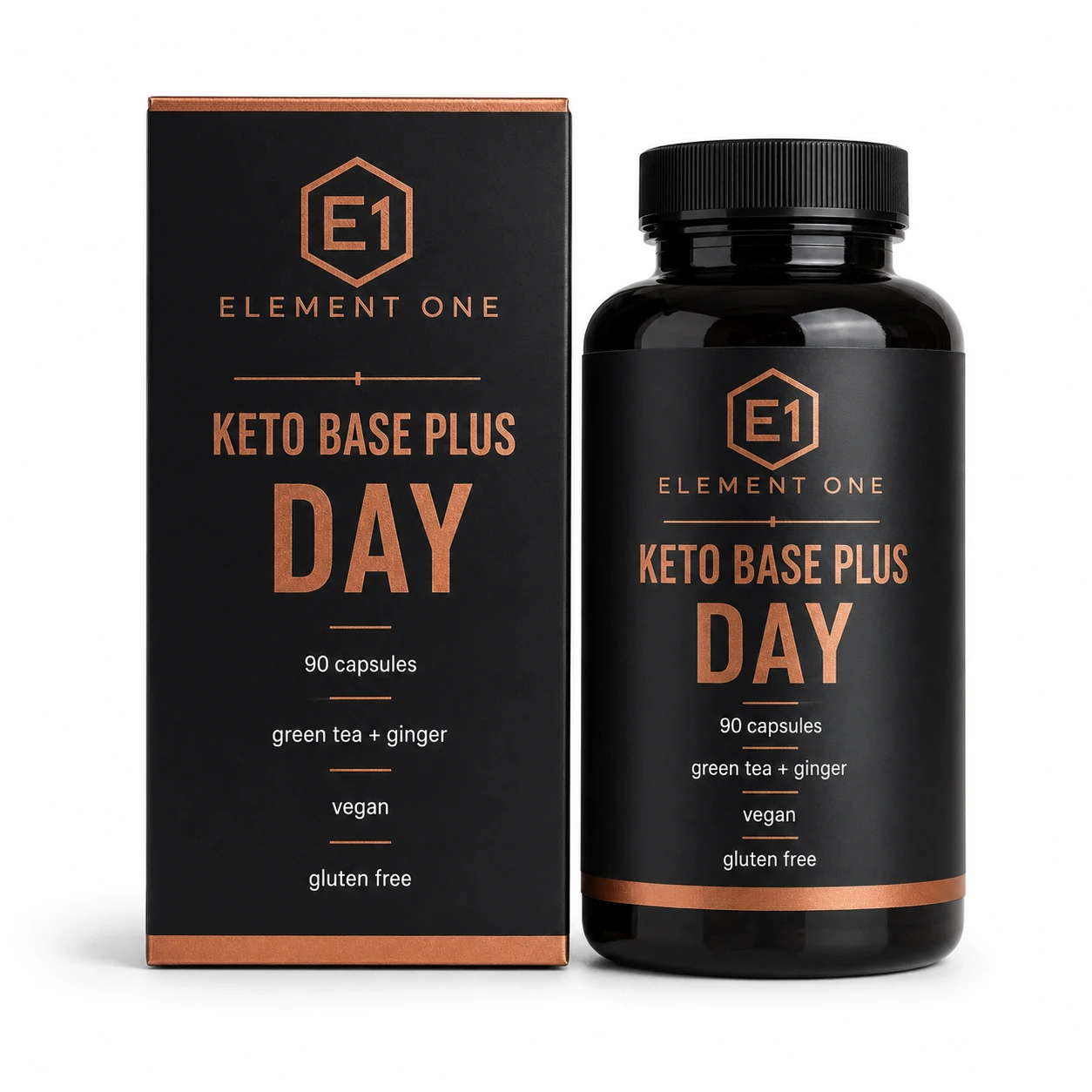
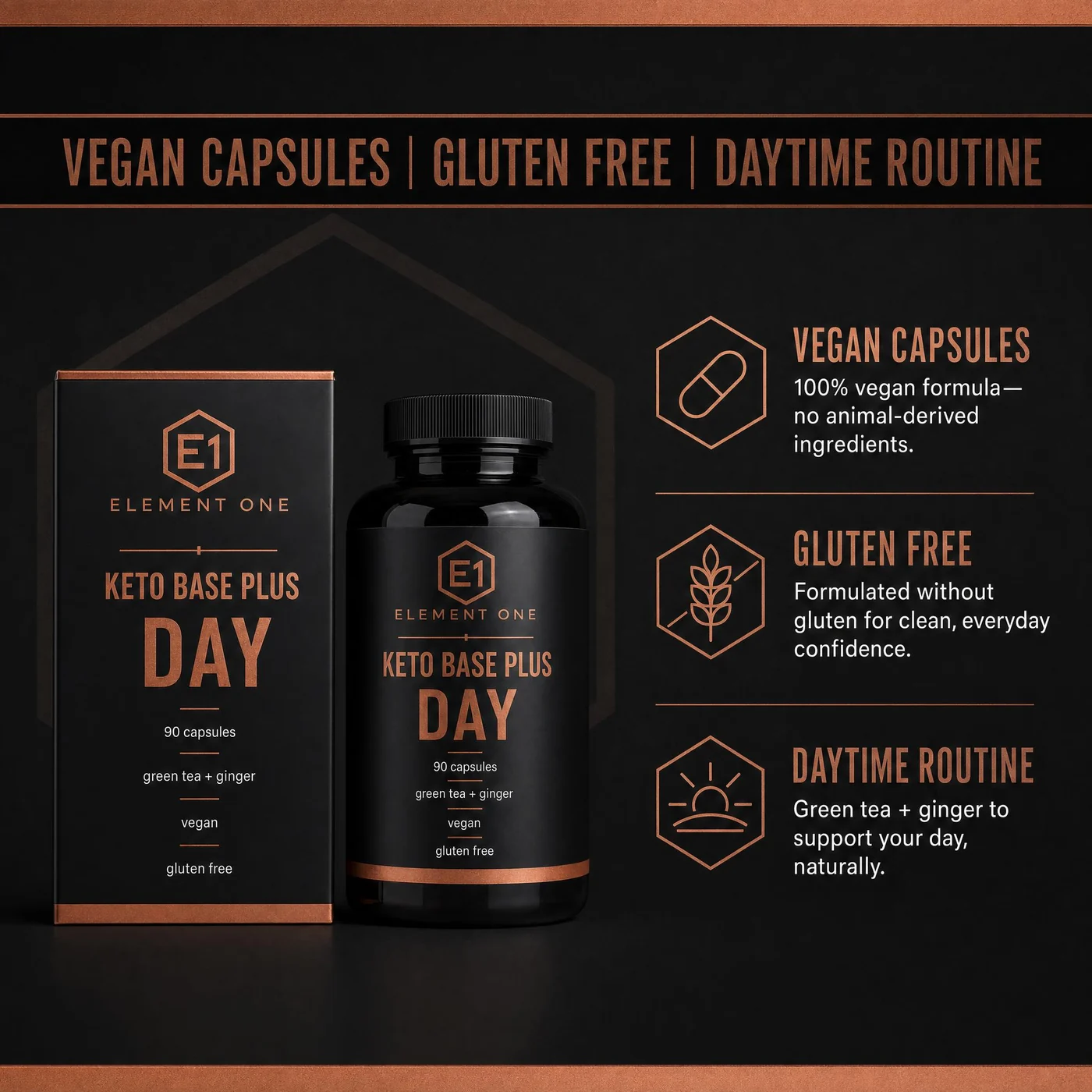
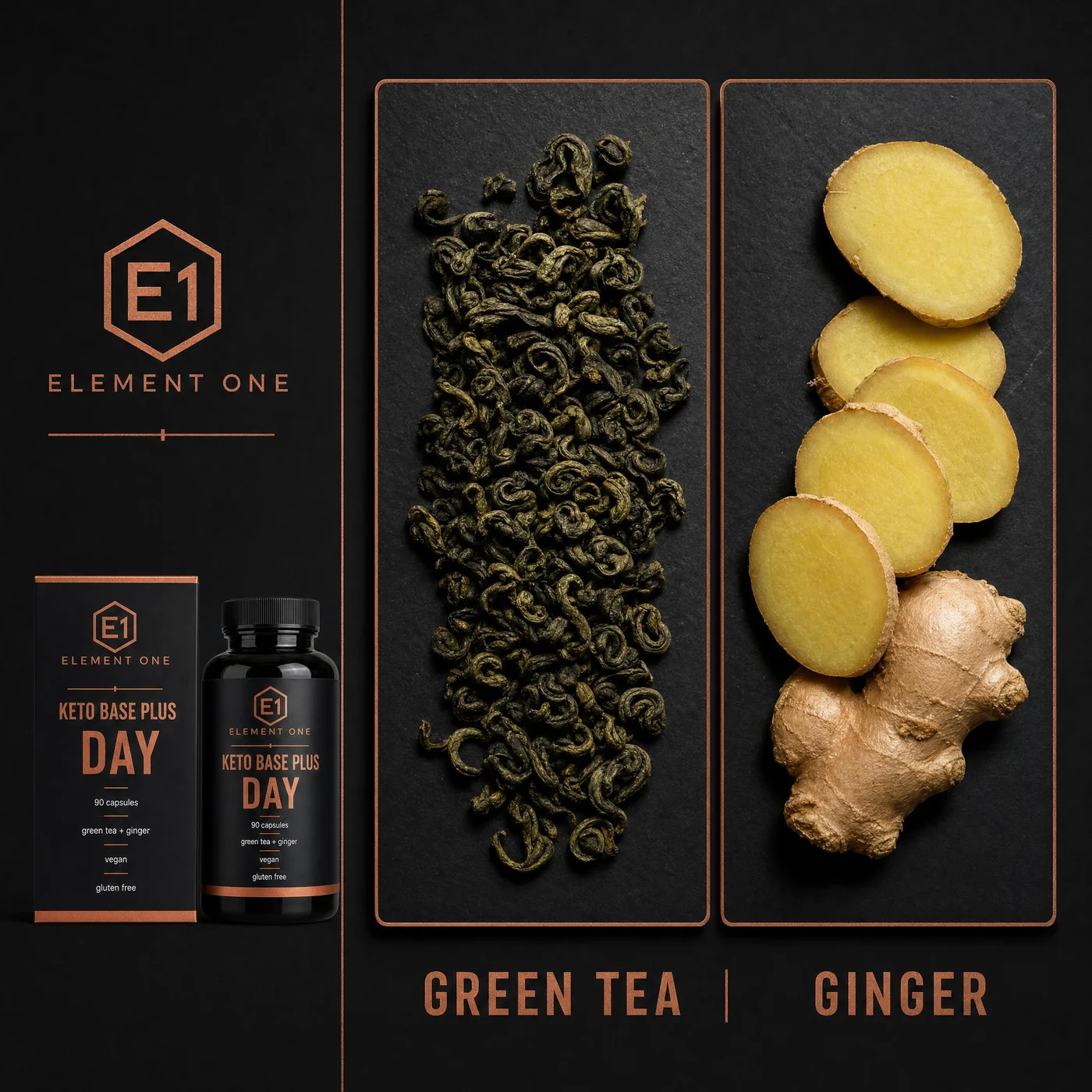
ProdVue helps turn product benefits, specs, ingredients, usage steps, comparison points, and trust signals into clear visual explanations. Build infographics as part of the product image set instead of designing every callout manually.

What this solves
Each page section is written around customer outcomes, not internal features.
Give shoppers short, readable reasons to understand the product without hunting through long descriptions.
Use specs, label details, ingredients, directions, and approved claims as source material.
Cover usage, size, materials, ingredients, comparison, trust, and compatibility in the image set.
Review claim-sensitive image text before it becomes part of the final export.
Image types
Shoppers scan images before they read long product descriptions. ProdVue plans the set around the questions those shoppers need answered.
Translate the most important buying reasons into short visual callouts.
Make materials, ingredients, dimensions, quantities, and product details easier to scan.
Show how to use, apply, install, prepare, measure, or combine the product.
Explain what makes the product different, what it includes, and which proof points support it.
Workflow
The goal is not another isolated AI image. It is a repeatable ecommerce production path.
Start with product details, labels, packaging, benefits, usage notes, and approved claims.
Decide whether the image should explain benefits, usage, ingredients, comparison, or trust.
Create visual explanations that shoppers can scan quickly on product pages and marketplaces.
Check every claim, label detail, and phrase before downloading approved assets.
FAQ
Clear answers for buyers comparing AI product photography, product image generators, and ecommerce photo production.
Product infographic design turns product benefits, specs, usage steps, ingredients, comparisons, and trust signals into visual explanations that shoppers can scan inside a product image gallery.
Only include claims that your team can support and approve. ProdVue helps bring product facts into the image workflow, but final legal, marketplace, and brand review remains your responsibility.
Yes. ProdVue can support Amazon infographic images, and it also creates broader ecommerce infographics for Shopify, Etsy, your own store, landing pages, and ads.
Upload one product photo, generate the image types your product page needs, review the result, and export the approved files.