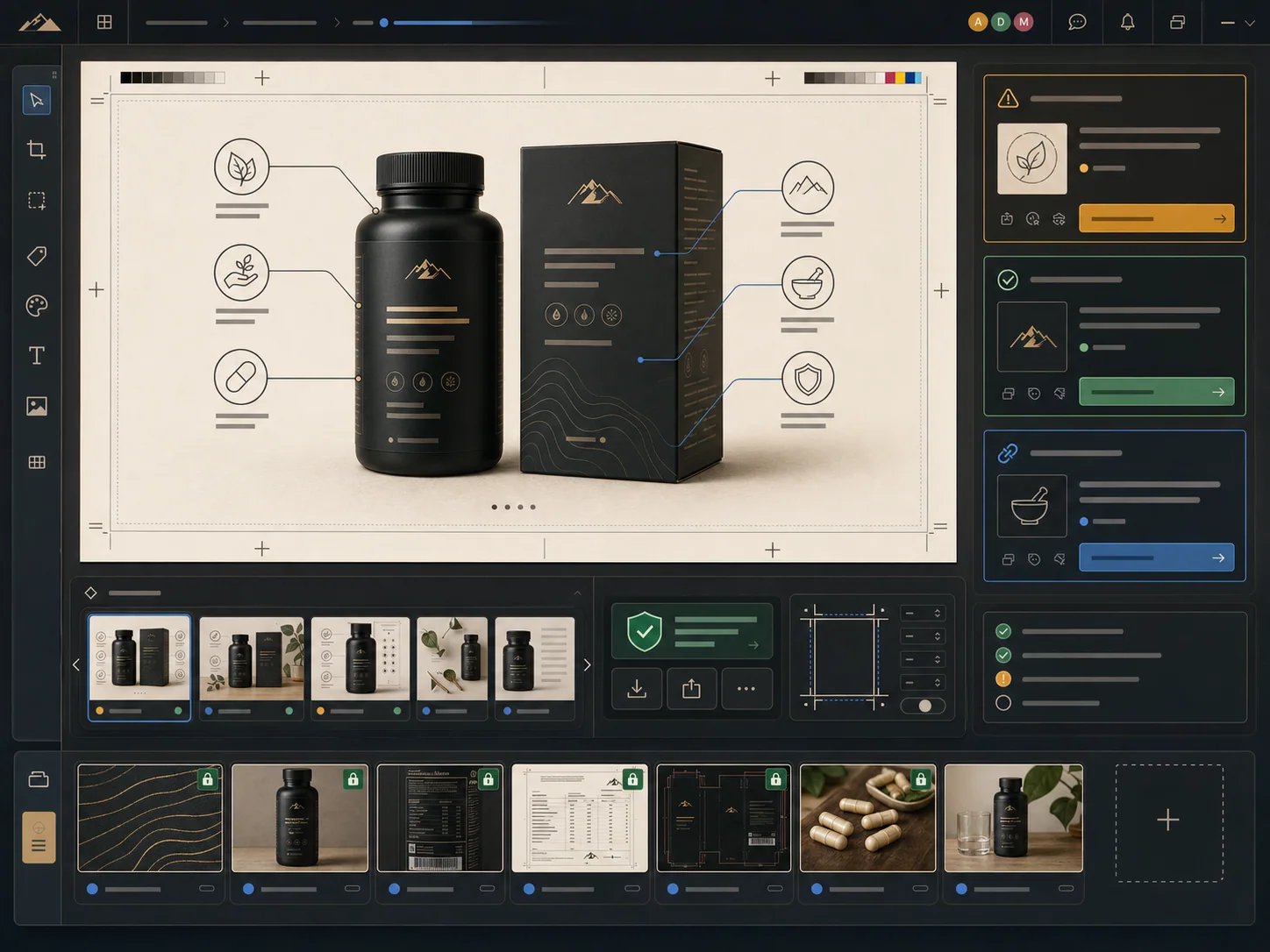
Comparison
Compare the workflow behind the image.
A useful alternative page should show the operating difference, not just a checklist.
Output goal
ProdVue: Complete ecommerce image sets: main images, lifestyle scenes, infographics, detail visuals, comparison images, and ad-style assets.
Pebblely: Pebblely is commonly evaluated for AI product photography scenes, backgrounds, and generated product visuals.
Use ProdVue when the product page needs a full visual argument, not only one polished image.
Product facts
ProdVue: Product labels, packaging, ingredients, usage notes, proof assets, and approved wording can guide the generated image set.
Pebblely: Check how product facts, label details, and claim-sensitive text are handled before you publish generated visuals.
ProdVue is stronger when image text and product details need review before going live.
Review workflow
ProdVue: Teams can review image text, product accuracy, crop, brand fit, and final export before publishing.
Pebblely: Review depth varies by workflow. Confirm whether the tool supports the approval process your team needs.
For catalog teams and agencies, approval visibility matters as much as generation speed.
Channel fit
ProdVue: Built for online shops and marketplaces including Shopify, Etsy, Amazon, eBay, WooCommerce, own-store pages, landing pages, and ads.
Pebblely: Pebblely may fit well for fast image editing, background, or scene creation workflows depending on your channel needs.
The better choice depends on whether you need quick editing or a repeatable ecommerce image-set workflow.