Show the product and the room context
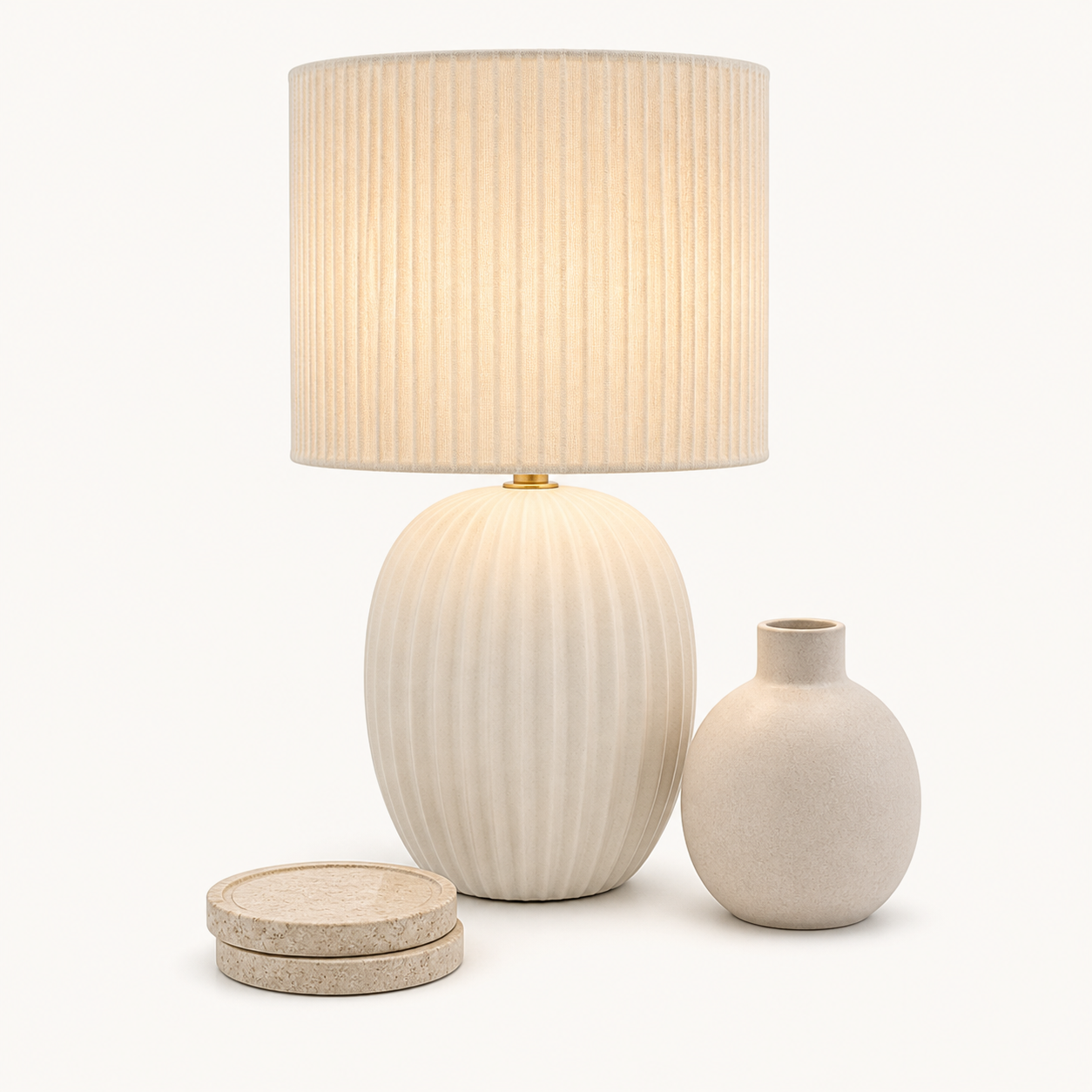
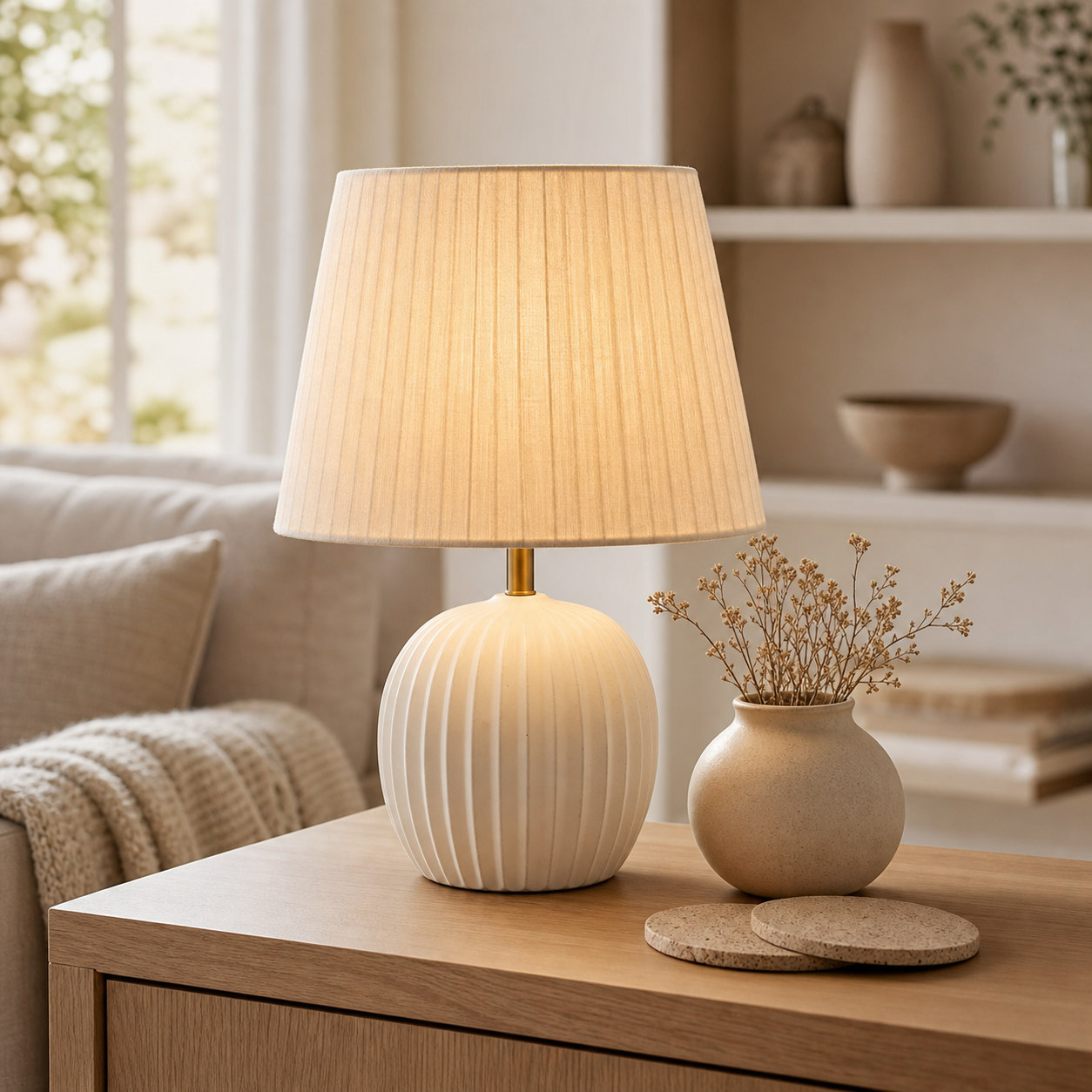
Create both clean product-first shots and styled lifestyle scenes so shoppers understand the item and its place in a home.
Home decor product photography
ProdVue helps home decor brands and online shops create product image sets for lamps, vases, textiles, candles, tableware, wall decor, furniture, and accessories. Use one product upload to generate clean product photos, styled room scenes, material details, feature visuals, and ad-ready crops.
What this solves
Each page section is written around customer outcomes, not internal features.
Create both clean product-first shots and styled lifestyle scenes so shoppers understand the item and its place in a home.
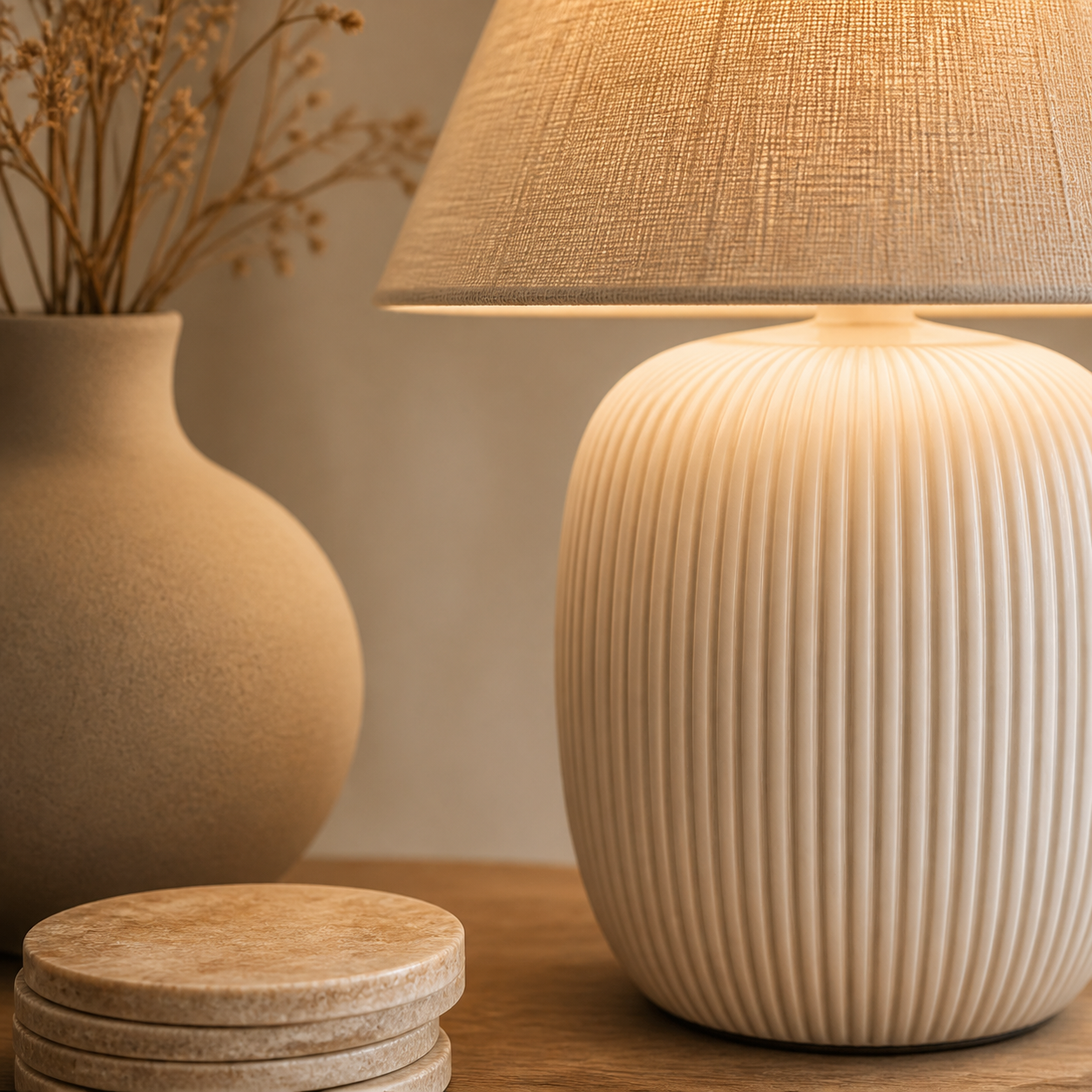
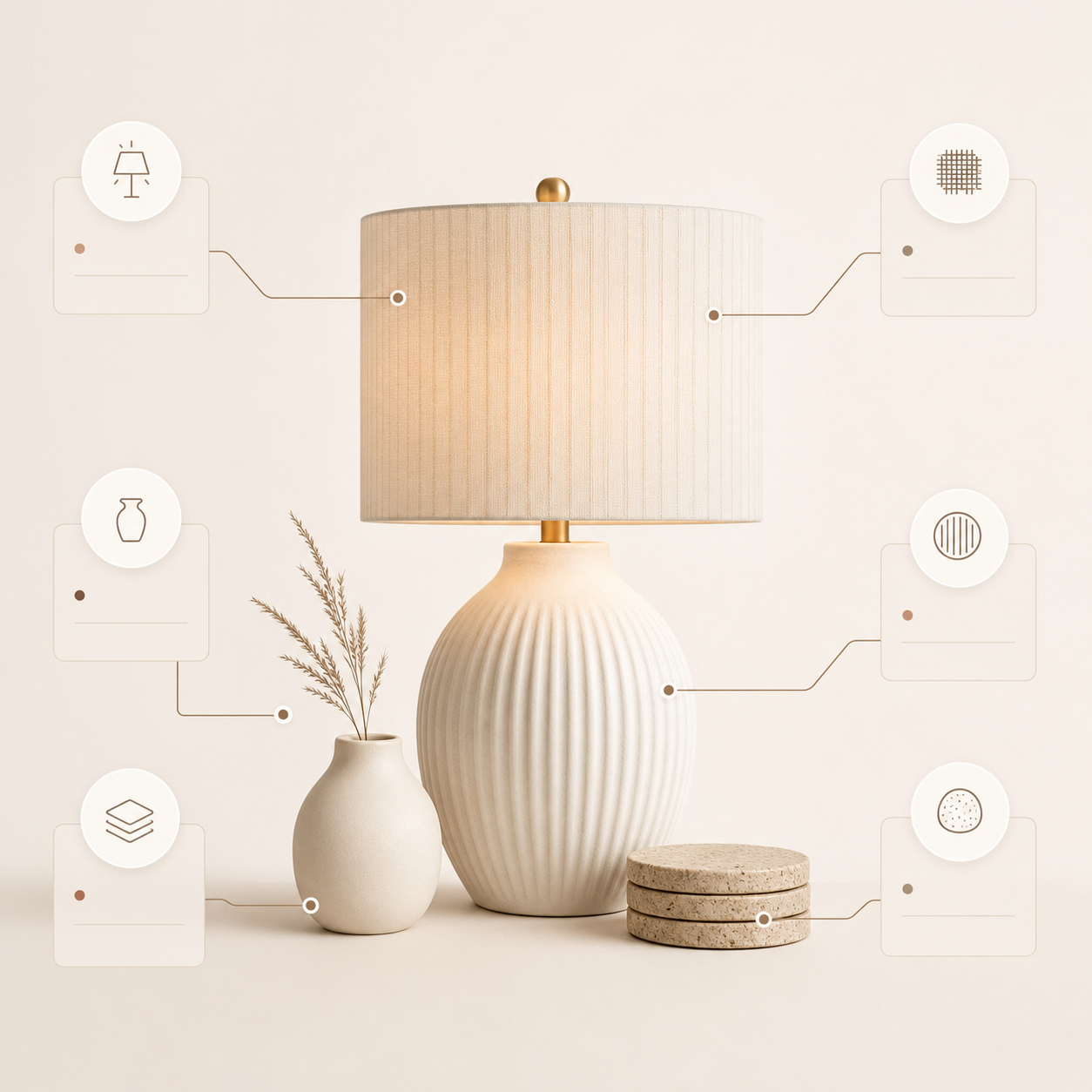
Use detail and scale images to show fabric, ceramic, wood, metal, surface finish, proportions, and bundle contents.
Align crop, lighting, styling, and background direction across decor SKUs, collections, and seasonal launches.
Generate product-page, marketplace, collection, and ad images without arranging a new interior shoot for each item.
Image types
Shoppers scan images before they read long product descriptions. ProdVue plans the set around the questions those shoppers need answered.
Product-first images for collection grids, product pages, marketplace listings, and shopping placements.
Show lamps, vases, textiles, candles, tableware, wall art, or accessories in rooms that fit the target buyer.
Help shoppers inspect surfaces, fabric, ceramic, finish, color, construction, and craftsmanship.
Explain size, proportions, bundle contents, use cases, and design details with clear product-page images.
Workflow
The goal is not another isolated AI image. It is a repeatable ecommerce production path.
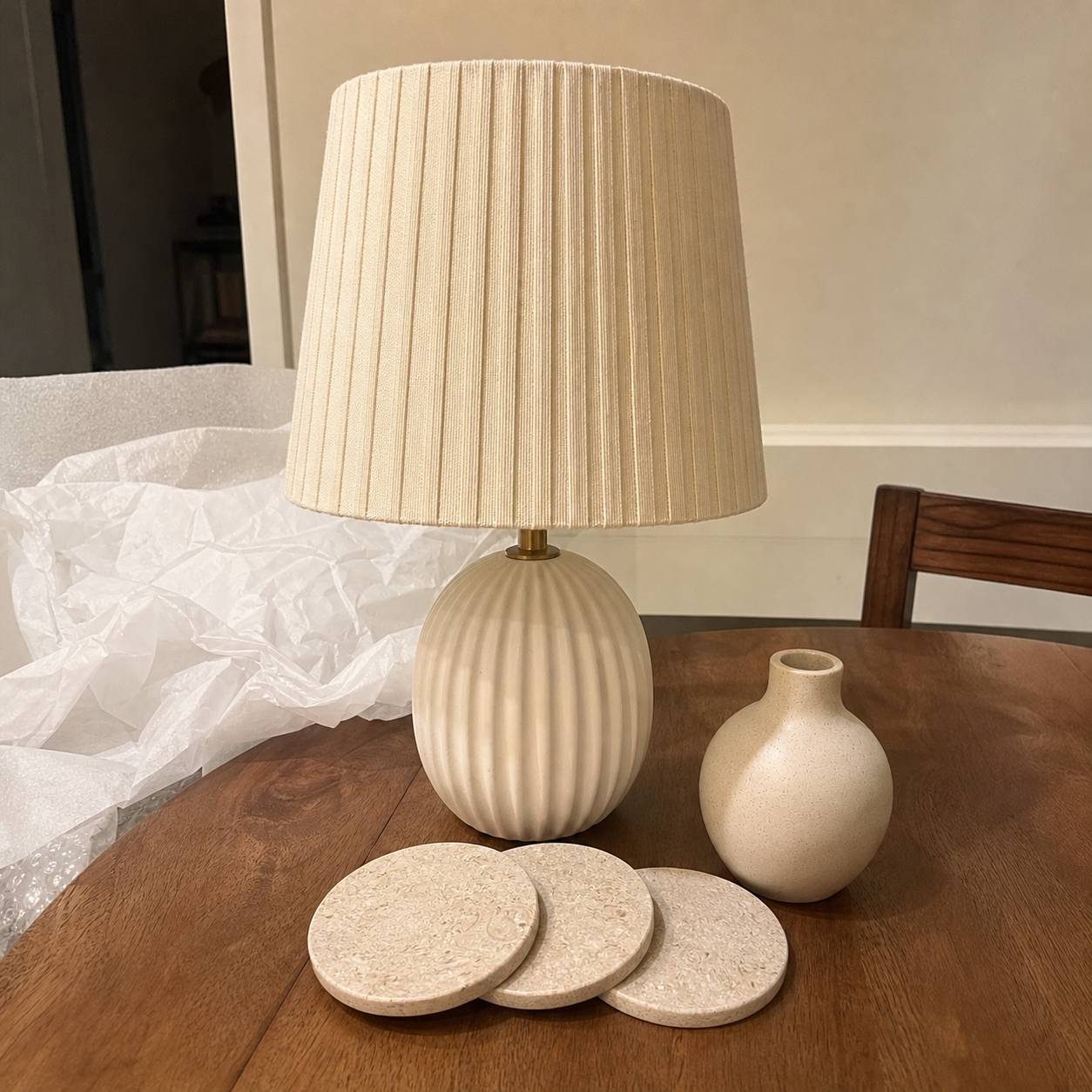
Start from the product photo, packaging image, catalog shot, or simple source image you already have.
Include style, color, material, dimensions, target room, collection notes, and approved product details.
Create main, lifestyle, detail, scale, feature, comparison, and ad-style visuals.
Check product realism, proportions, texture, styling, and final crop before publishing.
FAQ
Clear answers for buyers comparing AI product photography, product image generators, and ecommerce photo production.
A strong home decor image set usually includes a clean main product image, styled room lifestyle scene, material close-up, scale or dimension visual, and feature image for design details or bundle contents.
Yes. ProdVue can create styled room scenes from a source product photo and product context. Final review matters because room scale, material texture, and product proportions need to look credible before publishing.
Yes, approved home decor product images can support Shopify, Etsy, Amazon, other marketplaces, your own store, landing pages, and ads. You remain responsible for final platform rules and product accuracy.
Upload one product photo, generate the image types your product page needs, review the result, and export the approved files.