Amazon product images from ASIN
Amazon product images from ASIN data plus real proof.
ASIN data can speed up product context, but strong Amazon visuals still need real product references, packaging, labels, dimensions, and reviewed claims.
Use ASIN or manual data as the first layer, then add the source assets that keep images accurate and reviewable.
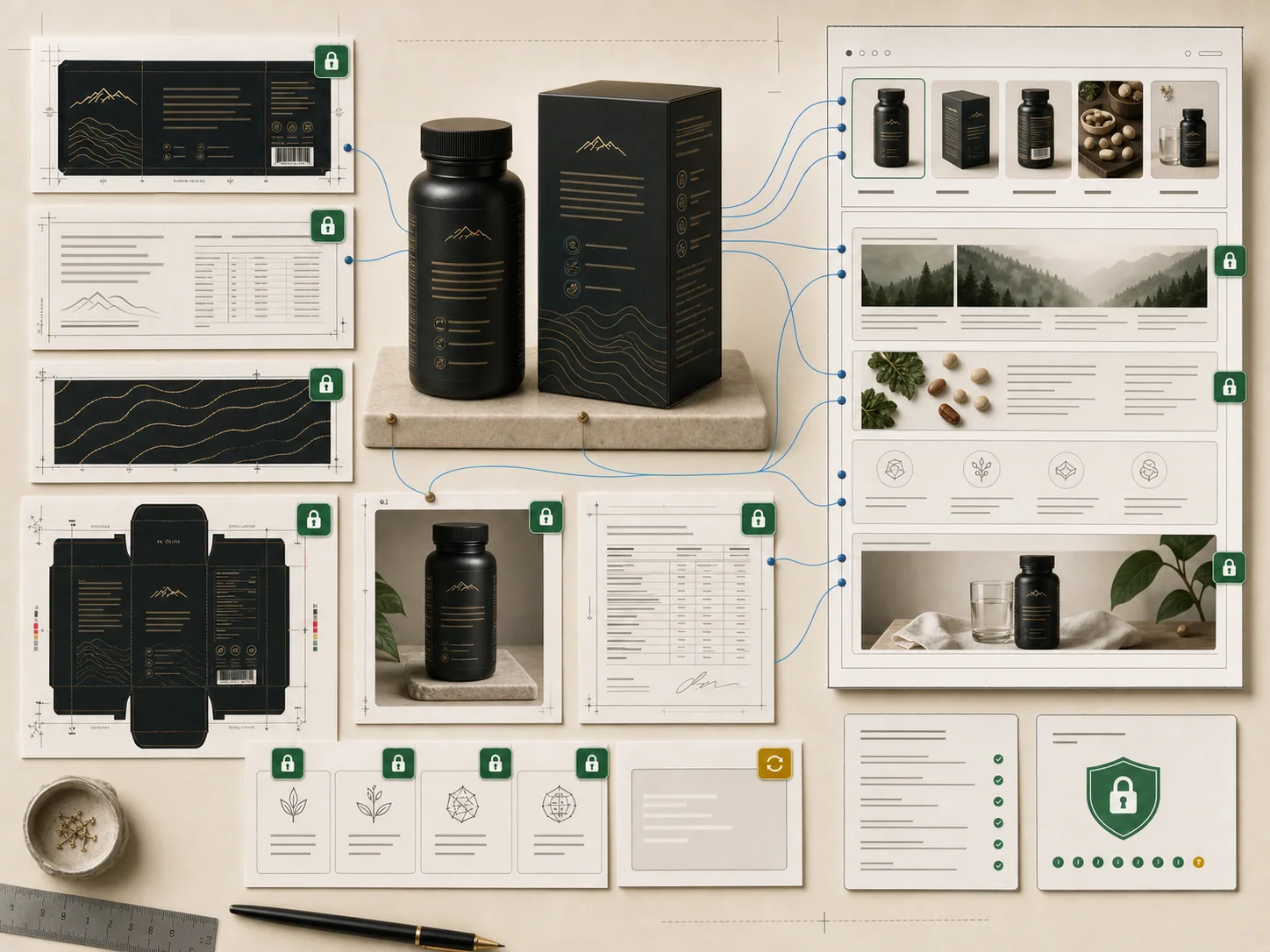
Workflow
Plan the image set before you generate.
Each step keeps the product source, claim source, and final visual connected so the Amazon asset is easier to review before publishing.
Import ASIN data or enter product information manually.
Check which facts are useful for image planning.
Add product photos, labels, packaging, and certificates.
Review claim text before generation.
Export a gallery and A+ plan tied to source proof.
Output plan
Image types built around buyer objections.
Use the right asset for the question shoppers ask: what is it, why trust it, how does it work, and what proof supports the claim?
FAQ
Proof-aware does not mean hands-off compliance.
ProdVue helps structure proof, claims, review, and export. Sellers still make the final marketplace and legal decisions.
No. ASIN data helps with context, but labels, packaging, certificates, photos, and approved claims are still needed for proof-sensitive outputs.
Yes. Manual product details can start the workflow when ASIN data is unavailable or when the brand wants tighter control over source facts.
Turn product proof into Amazon-ready visuals.
Build a reviewable listing image set and A+ module plan from the proof your product already has.