How to Take Product Photos for Amazon: 2026 Seller Guide
Your Amazon main image needs to follow strict rules. This guide shows how to capture the source photo, plan the gallery, and review every image before upload.
Why Amazon Product Photography Matters More Than Ever
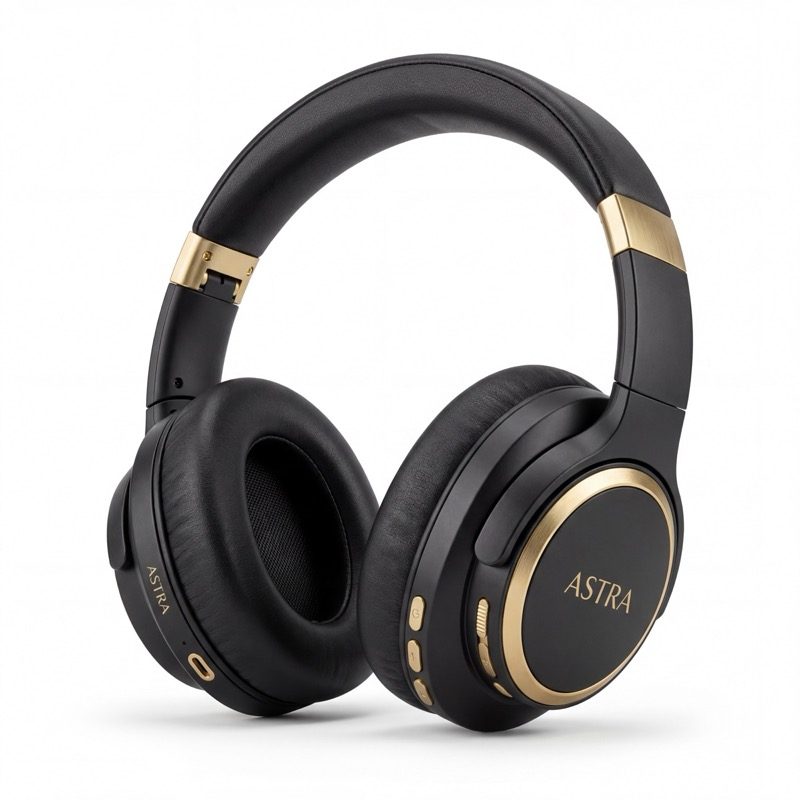
Your Amazon main image is often the first thing a shopper sees in search results. It has to earn the click while still following Amazon's main-image rules.
Strong Amazon image sets usually do three jobs:
- Main images satisfy Amazon's published image requirements before upload.
- Secondary images answer buyer questions about use, size, contents, quality, and value.
- Infographic images use reviewed claims and source proof instead of invented callouts.
Yet most sellers — especially those launching their first product — struggle to get quality images without spending $500+ on a photographer.
Amazon Main Image Requirements (2026)
Amazon's main image (the first image shoppers see in search results) has strict requirements. Violating them can get your listing suppressed.
The non-negotiables
- Pure white background — RGB (255, 255, 255)
- Product fill at least 85% of the image frame
- No text, logos, watermarks, or borders on the main image
- Minimum 1000px on the longest side (2000px+ recommended for zoom)
- JPEG, PNG, or TIFF format
- sRGB color profile for accurate color rendering
- No lifestyle elements — just the product, nothing else
Common rejection reasons
- Background isn't pure white (off-white or gray tones)
- Product doesn't fill enough of the frame
- Props, packaging, or accessories visible in main image
- Text or badges overlaid on the image
- Multiple product variants shown in a single main image
Getting these right is non-negotiable. Amazon can suppress or reject listings that do not follow the current category and image rules.
Beyond the Main Image: The Full Image Strategy
Many Amazon product pages show a primary gallery plus additional A+ Content modules for Brand Registered sellers. Think beyond one white-background image. Use every available visual position to build trust and answer buyer objections.
Image 1: Clean Main
Your main image on pure white background. This is what appears in search results. Maximize product fill, ensure perfect white background, and show the product from its most recognizable angle.
Pro tip: Shoot slightly above eye level for most products. This gives customers the perspective they'd have picking the product up in a store.
Image 2: Lifestyle Shot
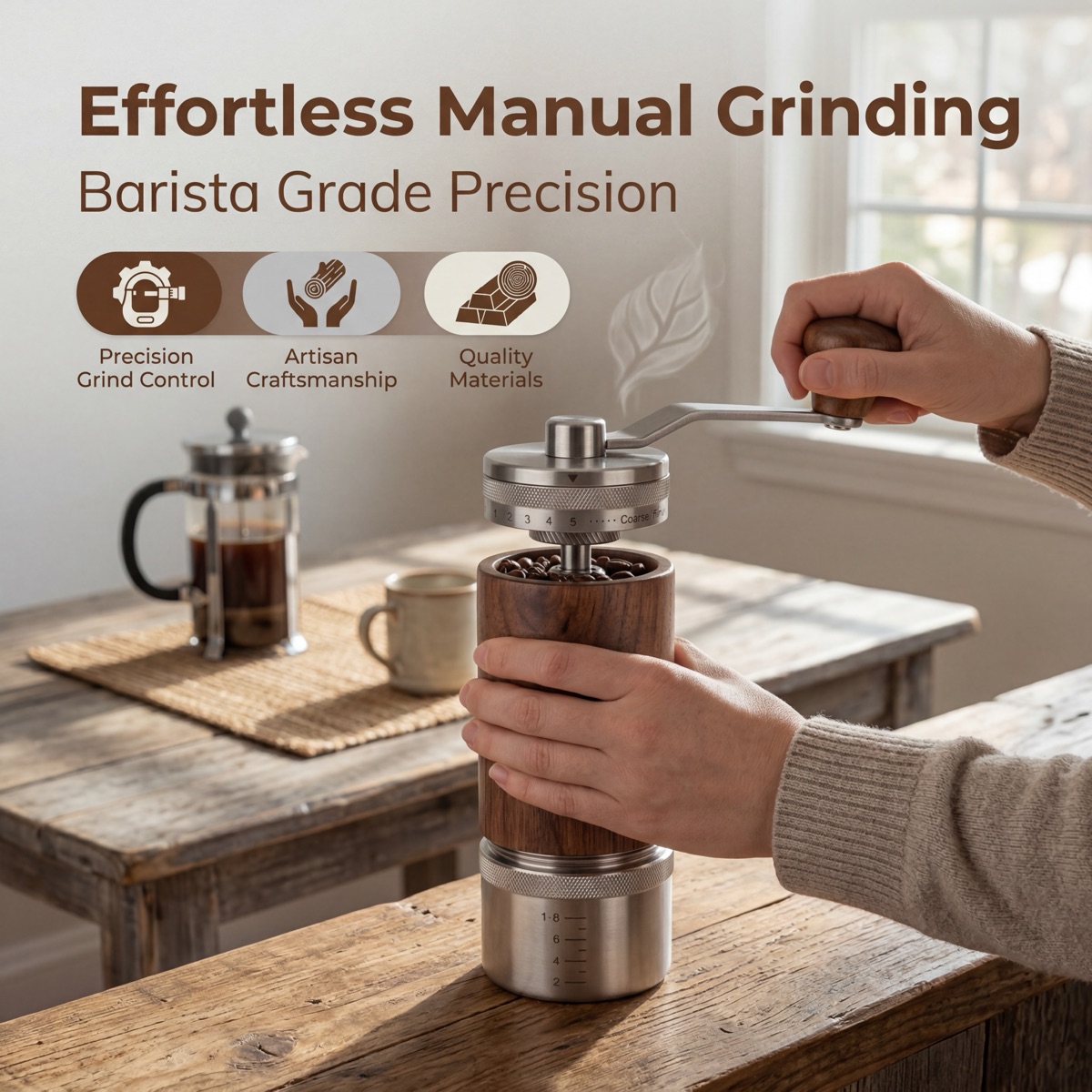
Show your product in use. A kitchen knife on a cutting board with fresh vegetables. Headphones on someone during a commute. This helps customers imagine the product in their life.
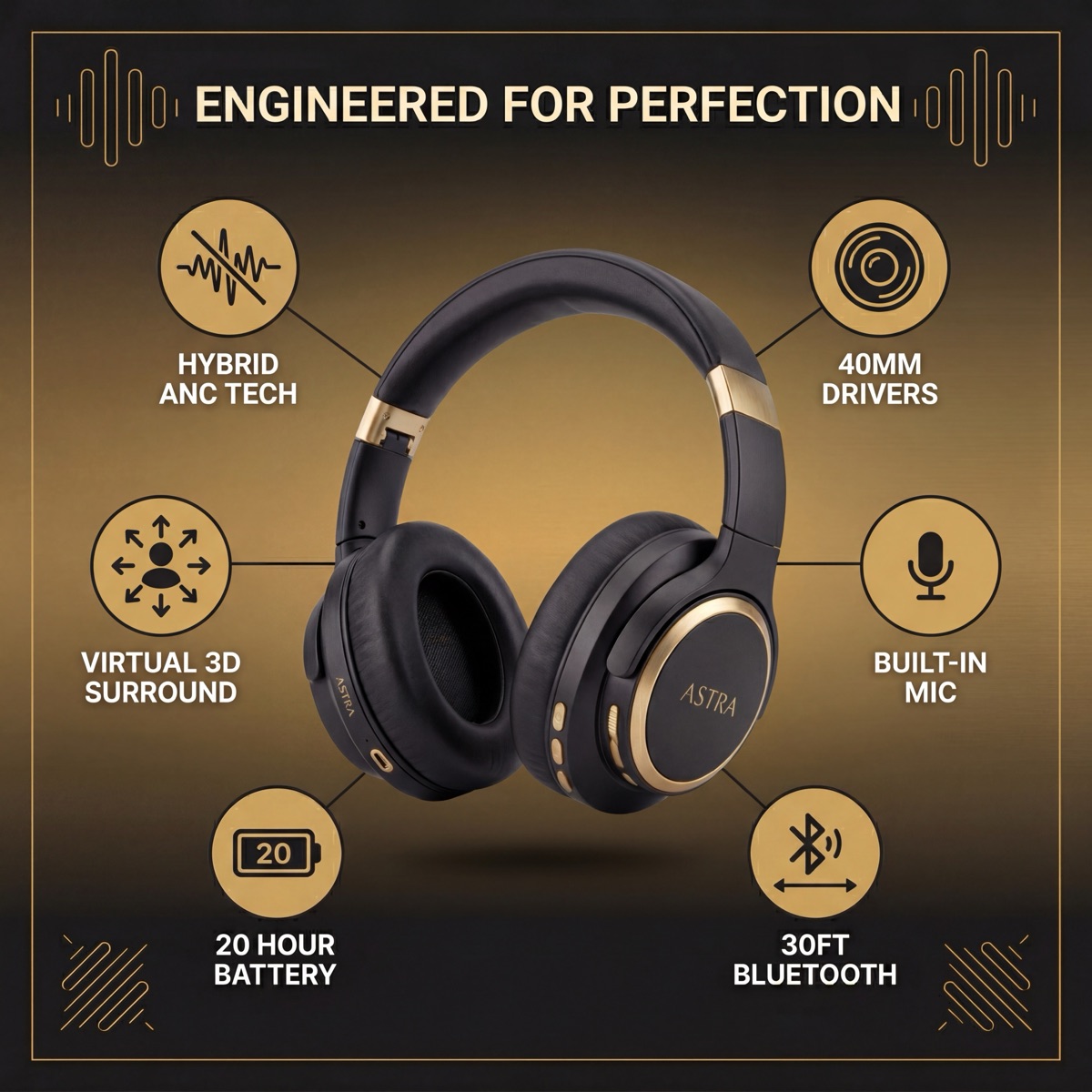
Image 3: Feature Infographic
Highlight 3-5 key features with callout text and arrows pointing to specific product areas. Keep text large enough to read on mobile (most Amazon shopping happens on phones).
Image 4: Size & Scale Reference
Show your product next to a common reference object — a hand, a coin, a standard mug. Customers can't physically touch your product, so eliminate size uncertainty.
Image 5: Detail Close-Up
Zoom in on quality indicators: stitching, material texture, finish quality. This builds trust and justifies your price point.
Image 6: Benefits Infographic
Different from the features infographic — this one focuses on outcomes. "Charges in 30 minutes" instead of "5000mAh battery." Speak to what the customer gets, not what the product has.
Image 7: Comparison or Packaging
Either compare your product against competitors (without naming them) or show what's included in the box. Both reduce purchase anxiety and set clear expectations.
Beyond the 7 Slots
The best listings do not stop at the basic gallery. Consider producing additional image types for A+ Content, Brand Story sections, and social media:
- Alternate angle shots — Show sides, back, and top views to eliminate surprises
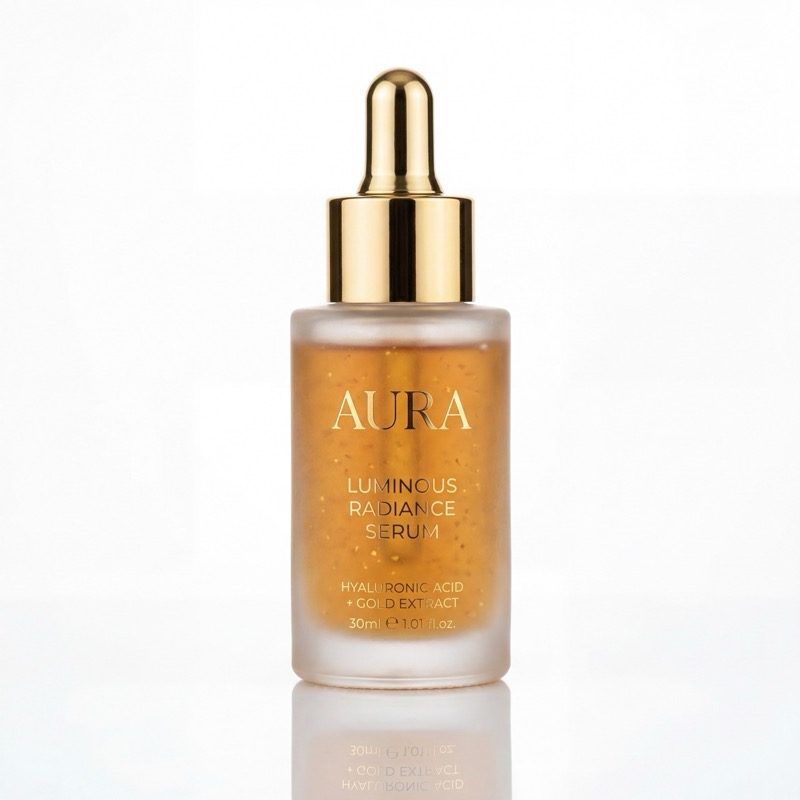
- Ingredient or material callouts — Especially strong for supplements, skincare, and food
- Before/after or use-case scenarios — Demonstrate the transformation your product delivers
- Bundle or accessory layouts — Show everything included, laid out neatly
- Seasonal or contextual lifestyle variants — Repurpose for holiday campaigns and social ads
- Hero banners — Wide-format images for A+ Content and storefront headers
With automated tools, producing additional image types can cost far less than a full studio shoot. Still, every image should be reviewed before upload.
How to Create Amazon Images Without a Studio
Traditional product photography requires a camera, lighting kit, backdrop, and editing skills — or $300-500 per product for a professional photographer.
Modern alternatives have changed the game:
Option 1: DIY with a smartphone
Use natural window light, a white poster board, and your phone camera. Good for simple products, but limited for lifestyle shots and infographics.
Cost: ~$20 for materials Quality: Acceptable for main images, weak for lifestyle and infographics Time: 2-4 hours per product
Option 2: Product photography tools
Upload a single product photo and generate every image type automatically. Clean mains, lifestyle scenes, infographics, detail shots, comparisons, and more.
Cost: Plans from €39/month (2 products, included revisions) Quality: Studio-quality across all image types Time: Minutes + seller review
Option 3: Professional photographer
Hire a photographer who specializes in Amazon product photography. Best for premium or complex products.
Cost: $300-700 per product Quality: Highest possible Time: 1-2 weeks turnaround
Image Optimization Tips for Amazon Listings
Your images mostly influence search performance indirectly: stronger images can improve click behavior, conversion, buyer confidence, and expectation-setting. They also make A+ Content and store assets easier to reuse.
File naming
Name files descriptively before upload so your team can manage them cleanly: stainless-steel-water-bottle-main.jpg beats IMG_4523.jpg. Do not rely on file names alone for ranking.
A+ Content image text
If you use A+ Content, keep module text readable, accurate, and aligned with the product page copy. Avoid stuffing keywords into image text. Use language shoppers can understand at a glance.
Image quality and zoom
High-resolution images help shoppers inspect details, labels, materials, and finish before buying.
A+ Content images
A+ Content gives you additional room for proof, brand story, comparison, ingredients, material quality, and use-case visuals.
Common Mistakes to Avoid
- Using the same image style for every slot — Each slot should serve a different purpose
- Ignoring mobile — Over 70% of Amazon shopping is on mobile. Preview all images at mobile resolution
- Text too small in infographics — If you can't read it on a phone screen, it's too small
- Inconsistent branding — Use consistent fonts, colors, and style across all your images
- Skipping the comparison image — Comparisons reduce returns by setting clear expectations
- Stopping at the basic gallery — A+ Content and Brand Story give you room for additional image types that build trust
Getting Started
The fastest way to get a complete Amazon image set for review is to start with one good photo of your product and generate the rest automatically.
Create your first product image set, compare Amazon product photography, or use the Amazon Seller Guide.
Plans start at €39/month. Upload one photo, generate Amazon images for review, and approve only the images that accurately represent your product.